Any Framework
Iot.Device.Lp3943 assembly for .NET nanoFramework C# projects
Published
Dec 28, 2022
3y ago
Total Downloads
11.6K
11,597
Install
dotnet add package nanoFramework.Iot.Device.Lp3943 --version 1.1.203
No framework information available.
README
Lp3943 LED driver
The LP3943 is an integrated device capable of independently driving 16 LEDs. It uses I2C.
Documentation
- Lp3943 datasheet
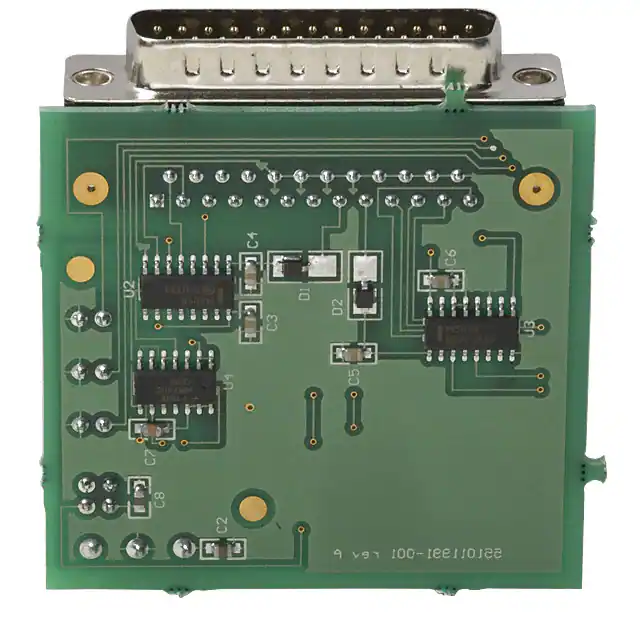
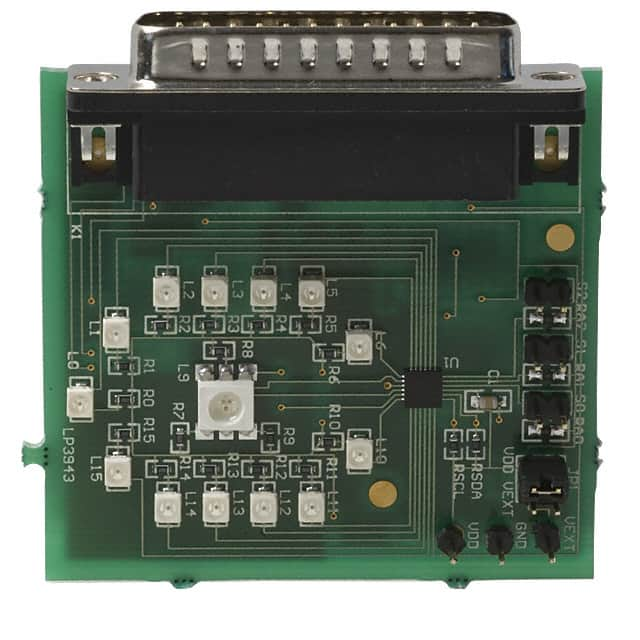
Usage
Important: make sure you properly setup the I2C pins especially for ESP32 before creating the I2cDevice, make sure you install the nanoFramework.Hardware.ESP32 nuget:
//////////////////////////////////////////////////////////////////////
// when connecting to an ESP32 device, need to configure the I2C GPIOs
// used for the bus
Configuration.SetPinFunction(21, DeviceFunction.I2C1_DATA);
Configuration.SetPinFunction(22, DeviceFunction.I2C1_CLOCK);
For other devices like STM32, please make sure you're using the preset pins for the I2C bus you want to use.
I2cConnectionSettings settings = new I2cConnectionSettings(1, Lp3943.DefaultI2cAddress);
I2cDevice device = I2cDevice.Create(settings);

using var ledDriver = new Lp3943(device, resetPin);

// Dim LEDs 0 to 7 at 1 Hz at 25% duty cycle
ledDriver.DimRegister(DimRegister.Dim0, 1, 25);

// Dim LEDs 8 to 15 at 5 Hz at 50% duty cycle
ledDriver.DimRegister(DimRegister.Dim1, 5, 50);

// Set LEDs 12, 13, 14, 15 off
ledDriver.SetLed(
	new[] { 12, 13, 14, 15 },
	LedState.Off
);

// Set LEDs 0, 1, 2, 3, 4, 5 on
ledDriver.SetLed(
	new[] { 0, 1, 2, 3, 4, 5 },
	LedState.On
);

// Set LEDs 6, 7, 8 to be powered by Dim register 0
ledDriver.SetLed(
	new[] { 6, 7, 8 },
	LedState.Dim0
);

// Set LEDs 9, 10, 11 to be powered by Dim register 1
ledDriver.SetLed(9, LedState.Dim1);
ledDriver.SetLed(10, LedState.Dim1);
ledDriver.SetLed(11, LedState.Dim1);
Changes from Previous Version
No structural changes between v1.1.141 and v1.1.203.
Adoption Assessment
A verified publisher signal is available. Assess fit from the package's supported frameworks, license and dependency graph rather than popularity alone.
No SPDX license expression is published. Review the license text and your organisation's policy before redistribution.No target framework metadata is available. Confirm compatibility in a representative project before standardising on this package.
Related Guides & Workflows
Learn how to evaluate, integrate, or audit this package in your .NET project.