Install
No framework information available.
README
curb-cli

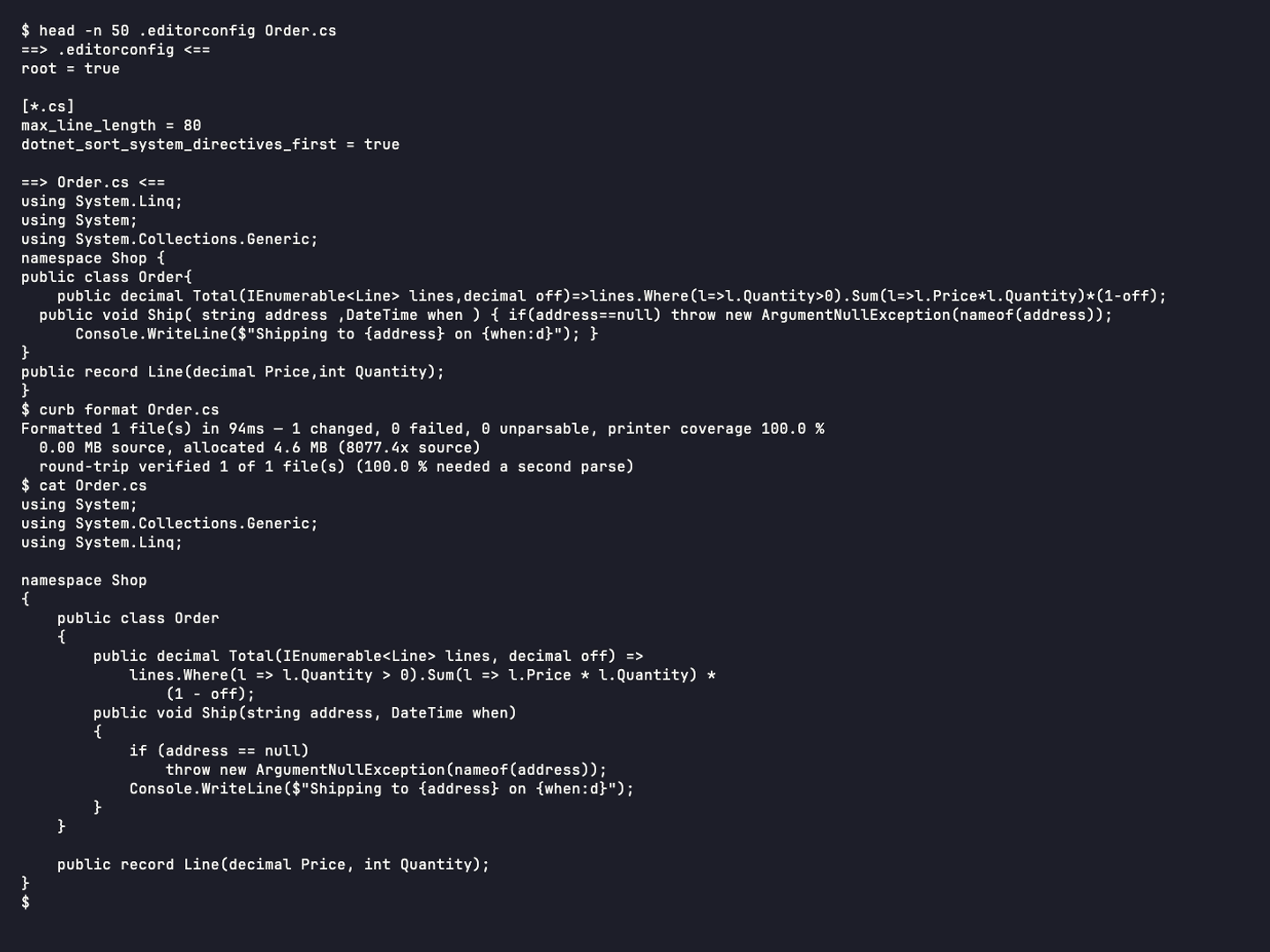
A C# formatter that reads your .editorconfig, all of it, and reflows code to a line width the way Prettier does.
This is the curb command line tool.

Install
dotnet tool install -g curb-cli
Ships as a native-AOT binary per platform (linux-x64, linux-arm64, win-x64, win-arm64, osx-arm64), with a
portable fallback. About 10 ms startup.
Quick start
curb format ./src          # format in place
curb check ./src           # exit 1 if anything would change
curb print-config Foo.cs   # show every resolved option and its source
For code style rules that need a compilation (unused usings, var, naming), run a build first and let Curb read what
it reported:
dotnet build && curb cleanup
curb rules lists what Curb fixes and what it leaves to dotnet format style, and curb options lists the
.editorconfig keys it implements.
Curb honours the complete set of .NET formatting options
(IDE0055) with Roslyn's defaults,
so it agrees with Visual Studio and Rider out of the box; max_line_length opts into reflow on top. With Fantomas
in your tool manifest, curb format and curb check cover F# files too.
Learn more
- Documentation: https://curb.nullean.net
- Format on every build instead: curb, the MSBuild package
- Source and issues: https://github.com/nullean/curb
Changes from Previous Version
Adoption Assessment
Assess this package against its supported frameworks, license, maintenance signals and dependency graph before making it a project standard.
Related Guides & Workflows
Learn how to evaluate, integrate, or audit this package in your .NET project.