Install
| Product | Versions |
|---|---|
| .NET |
README
HubSpot with Umbraco Forms
With this integration, you can connect HubSpot CRM with Umbraco Forms and store information that your Umbraco website visitors submit, as contacts in your HubSpot CRM platform!
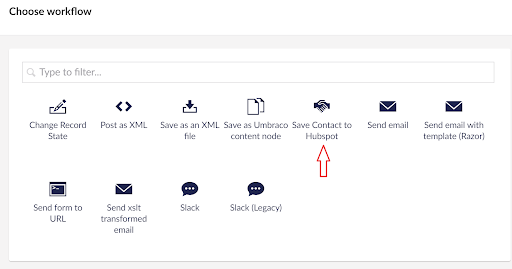
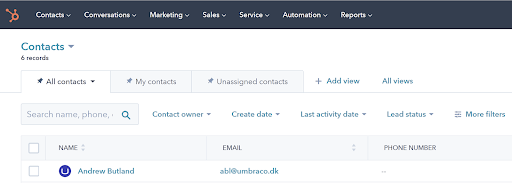
More specifically the integration adds a new workflow option when creating or editing a form via the back-office. When the form is added to your webpage, filled out, and submitted the information can be seen via your HubSpot account dashboard.
Customizing Umbraco Forms:
Within Umbraco Forms, we provide a custom workflow that sends the submitted information to HubSpot CRM where it is used to create or update a contact record.
Workflows within Umbraco Forms are processes that run after a form is submitted to allow you to do more with the provided information than just store it in the database for subsequent review in the back-office. Out of the box, you can configure operations like sending an email with the information provided, but workflows are also something you can build yourself for the specific needs of your application.
Want to know more about how the integration is made?
If you want to see the details on how the integration to HubSpot CRM is made or just follow the example of extending Umbraco Forms with a third-party system you can take a look at the blog post supplementing this integration.

Changes from Previous Version
Adoption Assessment
A verified publisher signal is available. Assess fit from the package's supported frameworks, license and dependency graph rather than popularity alone.
Related Guides & Workflows
Learn how to evaluate, integrate, or audit this package in your .NET project.