This package provides the functionality to utilize the features of Syncfusion UWP Presentation library and more.
Install
No framework information available.
README
Syncfusion UWP PowerPoint library
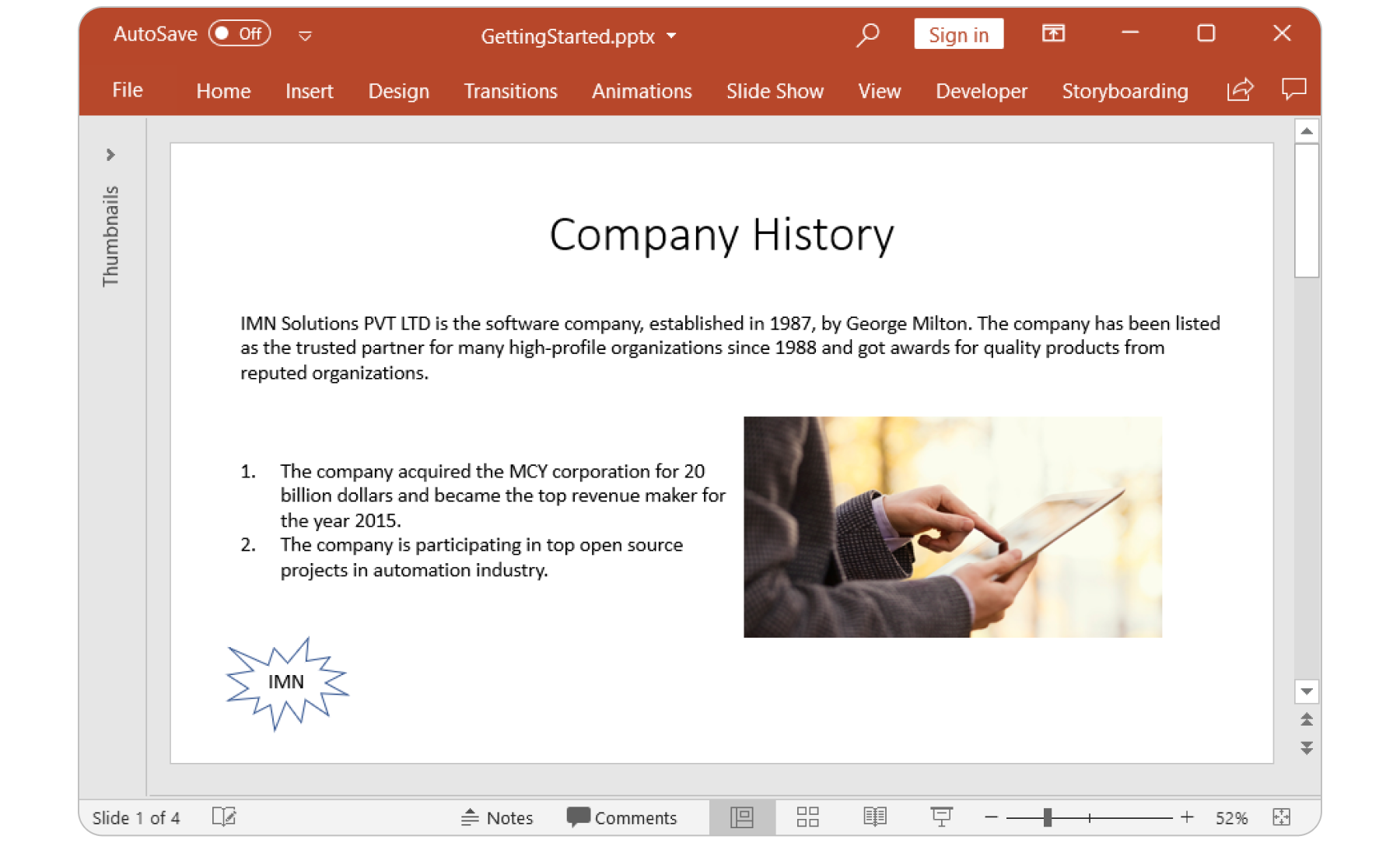
The Syncfusion UWP PowerPoint (Presentation) library is a feature-rich and high-performance .NET PowerPoint library that is used to create, read, edit and convert PowerPoint presentation programmatically.
Features Overview | Dos | API Reference | Online Demo | GitHub Examples | Blogs | Support | Forums | Feedback
Key Features
- Support to create PowerPoint presentation from scratch.
- Open, modify, and save existing presentations.
- Ability to convert PowerPoint presentation to PDF.
- Ability to convert PowerPoint slides to images.
- Ability to create and edit charts.
- Ability to convert chart in a slide to image.
- Ability to clone and merge slides in presentation
- Ability to create and edit animations.
- Ability to create and edit transition effects.
- Ability to create and edit comments.
- Ability to encrypt and decrypt PowerPoint presentation.
- Ability to set and remove write protection of PowerPoint presentation.
- Ability to access the Built-in and Custom document properties.
- Ability to create and modify sections in PowerPoint presentation.
System Requirements
Getting started
You can fetch the Syncfusion .NET PowerPoint library NuGet by simply running the command Install-Package Syncfusion.Presentation.UWP from the Package Manager Console in Visual Studio.
Try the following code example to create a hello world PowerPoint Presentation.
//Namespace to create PowerPoint
using Syncfusion.Presentation;

//Creates a new instance of PowerPoint presentation.
using (IPresentation pptxDoc = Presentation.Create())
{
	//Adds a slide to the PowerPoint Presentation.
	ISlide firstSlide = pptxDoc.Slides.Add(SlideLayoutType.Blank);

	//Adds a textbox in a slide by specifying its position and size.
	IShape textShape = firstSlide.AddTextBox(100, 75, 756, 200);

	//Adds a new paragraph with text.
	textShape.TextBody.AddParagraph("Hello World");

	//Initializes FileSavePicker
	FileSavePicker savePicker = new FileSavePicker();
	savePicker.SuggestedStartLocation = PickerLocationId.Desktop;
	savePicker.SuggestedFileName = "Sample";
	savePicker.FileTypeChoices.Add("PowerPoint Files", new List<string>() { ".pptx" });

	//Creates a storage file from FileSavePicker
	StorageFile storageFile = await savePicker.PickSaveFileAsync();

	//Saves changes to the specified storage file
	await pptxDoc.SaveAsync(storageFile);
}
For more information to get started, refer to our Getting Started Documentation page.
License
This is a commercial product and requires a paid license for possession or use. Syncfusion's licensed software, including this component, is subject to the terms and conditions of Syncfusion's EULA. You can purchase a license here or start a free 30-day trial here.
About Syncfusion
Founded in 2001 and headquartered in Research Triangle Park, N.C., Syncfusion has more than 27,000+ customers and more than 1 million users, including large financial institutions, Fortune 500 companies, and global IT consultancies.
Today, we provide 1700+ components and frameworks for web (Blazor, Flutter, ASP.NET Core, ASP.NET MVC, ASP.NET Web Forms, JavaScript, Angular, React, Vue, and jQuery), mobile (.NET MAUI (Preview), Flutter, Xamarin, UWP, and JavaScript), and desktop development (WinForms, WPF, WinUI, .NET MAUI (Preview), Flutter, Xamarin, and UWP). We provide ready-to-deploy enterprise software for dashboards, reports, data integration, and big data processing. Many customers have saved millions in licensing fees by deploying our software.
[email protected] | www.syncfusion.com | Toll Free: 1-888-9 DOTNET
Changes from Previous Version
Adoption Assessment
A verified publisher signal is available. Assess fit from the package's supported frameworks, license and dependency graph rather than popularity alone.
Related Guides & Workflows
Learn how to evaluate, integrate, or audit this package in your .NET project.