The Syncfusion Essential HTML to PDF converter is a .NET library that converts URLs, HTML string, SVG, MHTML to PDF in WPF application. This converter uses advanced Blink rendering engine, thus generating pixel perfect PDF from HTML or URL. Key features: • Converts any webpage to PDF. • Converts any raw HTML string to PDF. • Works both in 32-bit and 64-bit environments. • Supports header and footer. • Repeats HTML table header and footer in PDF. • Supports HTML5, CSS3, SVG, and Web fonts. • Thread safe. • Supports internal and external hyperlinks. • Sets document properties, page settings, security, viewer preferences, etc. • Protects PDF document with password and permission. Learn more: https://www.syncfusion.com/pdf-framework/net/html-to-pdf?utm_source=nuget&utm_medium=listing Documentation: https://help.syncfusion.com/file-formats/pdf/converting-html-to-pdf?utm_source=nuget&utm_medium=listing Support: Incident: https://www.syncfusion.com/support/directtrac/incidents/newincident?utm_source=nuget&utm_medium=listing Forum: https://www.syncfusion.com/forums/wpf?utm_source=nuget&utm_medium=listing
Install
No framework information available.
README
Syncfusion .NET HTML to PDF converter
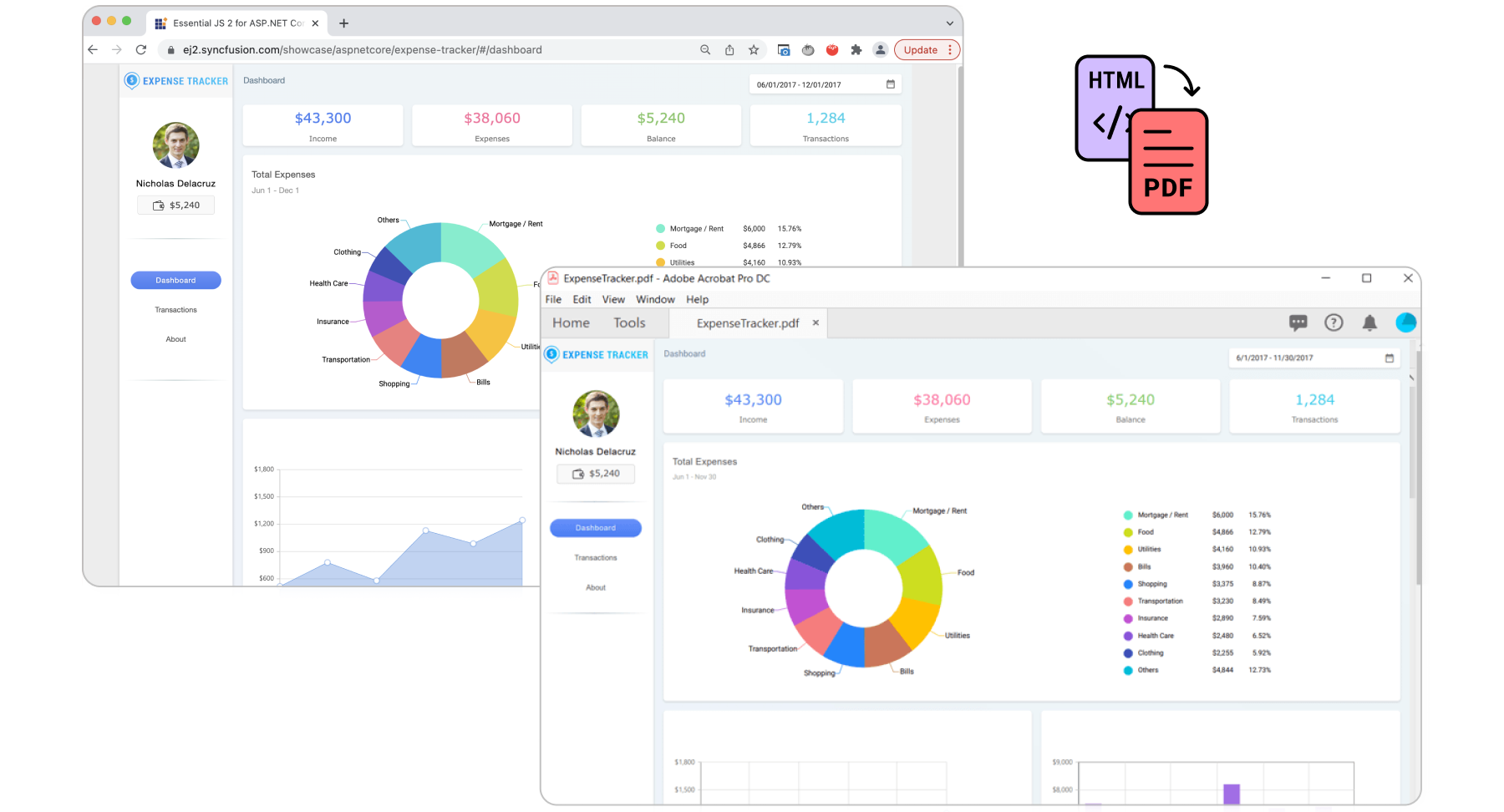
The Syncfusion HTML to PDF converter is a .NET Framework library that converts URLs, HTML string, SVG, MHTML to PDF in WPF application. This converter uses the advanced Blink rendering engine, thus generating pixel-perfect PDF from HTML or URL.
Starting with v20.1.0.x, if you reference Syncfusion HTML converter assemblies from trial setup or from the NuGet feed, include a license key in your projects. Refer to link to learn about generating and registering Syncfusion license key in your application to use the components without trail message.
Features overview | Docs | API Reference | Blogs | Support | Forums | Feedback
Key Features
- Converts any webpage to PDF.
- Converts any raw HTML string to PDF.
- Prevents text and image split across pages.
- Converts HTML form to fillable PDF form.
- Works both in 32-bit and 64-bit environments.
- Automatically creates Table of Contents.
- Automatically creates bookmark hierarchy.
- Converts only a part of the web page to PDF.
- Supports header and footer.
- Repeats HTML table header and footer in PDF.
- Supports HTML5, CSS3, SVG, and Web fonts.
- Converts any HTML to SVG.
- Converts any HTML to image.
- Converts any SVG to image.
- Supports accessing HTML page using both [HTTP POST and GET methods].(https://help.syncfusion.com/file-formats/pdf/convert-html-to-pdf/features#http-get-and-post?utm_source=nuget&utm_medium=listing&utm_campaign=wpf-htmltopdfconverter-nuget).
- Supports HTTP cookies.
- Supports cookies-based form authentication.
- Thread safe.
- Supports internal and external hyperlinks.
- Sets document properties, page settings, security, viewer preferences, etc.
- Protects PDF document with password and permission.
System Requirements
Getting Started
Install the Syncfusion.HtmlToPdfConverter.Wpf NuGet package as reference to your WPF application from NuGet.org.
Convert HTML to PDF document programmatically using C#
//Initialize the HTML to PDF converter.
HtmlToPdfConverter htmlConverter = new HtmlToPdfConverter();
//Convert URL to PDF.
PdfDocument document = htmlConverter.Convert("https://www.syncfusion.com");
//Save and close the PDF document.
document.Save("Output.pdf");
 //Close the document
document.Close(true);
License
This NuGet package includes code from the Chromium Project. This code is subject to the terms of the Chromium Project license available here. Syncfusion does not provide any warranty or any indemnity with regard to the use of code from the Chromium Project. If you do not agree to these terms, please do not install, or use this NuGet package.
About Syncfusion
Founded in 2001 and headquartered in Research Triangle Park, N.C., Syncfusion has more than 29,000 customers and more than 1 million users, including large financial institutions, Fortune 500 companies, and global IT consultancies.
Today, we provide 1800+ components and frameworks for web (Blazor, Flutter, ASP.NET Core, ASP.NET MVC, ASP.NET Web Forms, JavaScript, Angular, React, Vue, and jQuery), mobile (.NET MAUI, Flutter, Xamarin, UWP, and JavaScript), and desktop development (WinForms, WPF, WinUI, .NET MAUI, Flutter, Xamarin, and UWP). We provide ready-to-deploy enterprise software for dashboards, reports, data integration, and big data processing. Many customers have saved millions in licensing fees by deploying our software.
[email protected] | www.syncfusion.com | Toll Free: 1-888-9 DOTNET
Changes from Previous Version
Adoption Assessment
A verified publisher signal is available. Assess fit from the package's supported frameworks, license and dependency graph rather than popularity alone.
Related Guides & Workflows
Learn how to evaluate, integrate, or audit this package in your .NET project.