IronXL allows developers to read, generate, and edit Excel (and other spreadsheet files) in .NET applications and websites. It provides a fast and intuitive way to work with Excel and other spreadsheet files in C#. For code samples, documentation, and more, visit https://ironsoftware.com/csharp/excel/. IronXL operates independently of Office Excel Interop, making it compatible with .NET Framework, .NET Core, and Azure without requiring additional dependencies or the installation of Microsoft Office. Key library features include: * Importing data from XLS, XLSX, CSV, and TSV files. * Exporting workbooks and worksheets to XLS, XLSX, CSV, TSV, and JSON formats. * Encrypting and decrypting XLSX, XLSM, and XLTX files with password protection. * Working with spreadsheets as System.Data.DataSet and System.Data.DataTable objects. * Automatic formula recalculation whenever a sheet is edited. * Intuitive range settings using the WorkSheet["A1:B10"] syntax. * Sorting ranges, columns, and rows. * Styling cells with options for font, size, background patterns, borders, alignment, and number formats. IronXL is compatible with C#, VB.NET, MVC, and ASP.NET projects, supporting websites, console apps, and desktop applications. Supported environments include: * .NET Core 2, 3.1 * .NET 5, 6, 7, 8, 9 and 10 * .NET Standard 2 and 3 * .NET Framework 4.6.2 and above * Xamarin, SharePoint, Mono * Azure, AWS, and other cloud hosting platforms * Windows, Linux, macOS, and mobile platforms Licensing and support are available for commercial deployments. For complete documentation, visit https://ironsoftware.com/csharp/excel/. For support please contact us: [email protected]
Install
| Product | Versions |
|---|---|
| .NET | |
| .NET Standard |
README


%20-107C10?logo=visualstudio)



IronXL - The C# Excel Library
Effortlessly create, read, and edit Excel spreadsheet in your .NET applications

IronXL is a comprehensive C# library designed for developers to programmatically read, create, and edit Excel spreadsheet files. With a user-friendly API, you can manipulate cells, formulas, and formatting, and integrate Excel functionality seamlessly into your projects.
Get Started in 3 Steps
1. Install the NuGet Package
PM> Install-Package IronXL.Excel
2. Create Your First Excel Spreadsheet
using IronXL;
using IronXL.Formatting;

// Create a new workbook
WorkBook workBook = WorkBook.Create();
WorkSheet workSheet = workBook.DefaultWorkSheet;

// Set the data format to 12300.00%
workSheet["A1"].Value = 123;
workSheet["A1"].FormatString = BuiltinFormats.Percent2;

workBook.SaveAs("output.xlsx");
3. Explore More
Dive deeper with our extensive documentation and examples:
Tutorials: Step-by-step guides to help you build your first Excel application.
Code Examples: Concise set of code that can be easily executable.
How-To Guides: Practical, goal-oriented instructions to solve specific problems.
Demo: Detailed technical descriptions of the API and its components.
API Reference: Demonstrating guides that showcase how IronXL works the way it does.
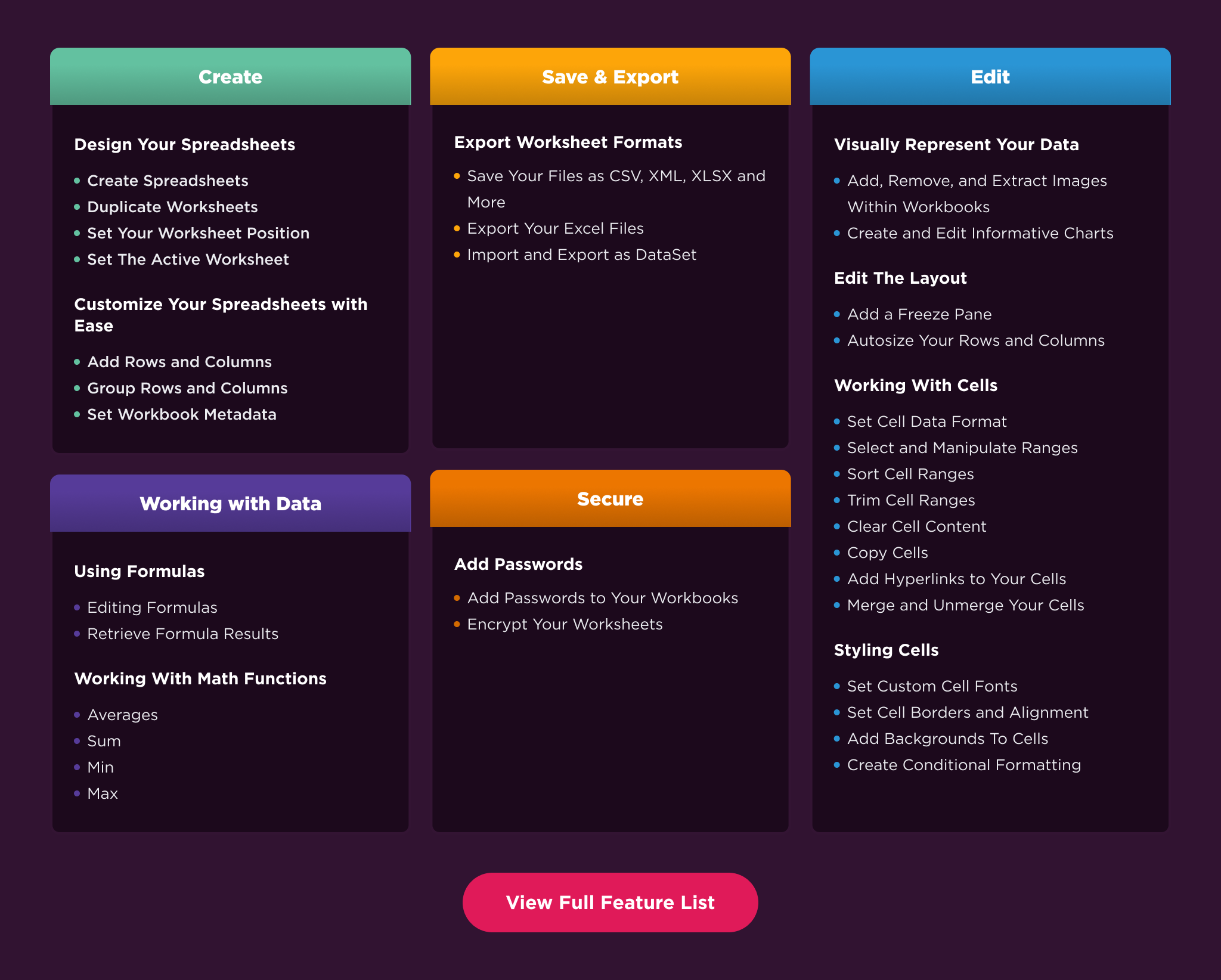
Key Features
Create Excels: Generate new Excel (XLSX, XLS) and CSV files programmatically.
Edit Excels: Read, write, and update data at any level, from individual cells to entire worksheets.
Protect Excels: Encrypt workbooks, set open passwords, and manage user permissions at the sheet or cell level.
Customize Excels: Customize cell appearance, fonts, colors, and borders, and precisely control row/column dimensions and visibility.
Process & Display Data: Execute complex formulas, sort and filter data to create insightful charts and graphs.
Compatibility
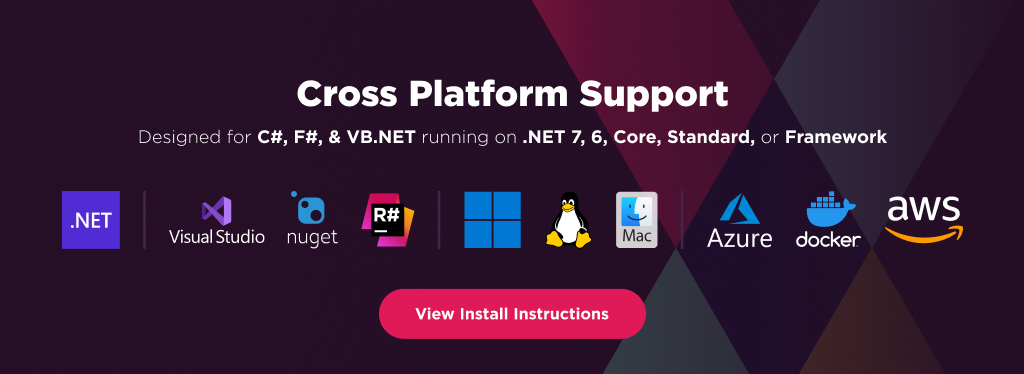
IronXL is built for modern .NET and supports a wide range of project types and operating systems.
Platforms: .NET 10, .NET 9, .NET 8, .NET 7, .NET 6, .NET 5, Core 2x & 3x, Standard 2
Framework: .NET Framework 4.6.2 (and above)
App Models: Console, Web, and Desktop Apps
Operating Systems: Windows, macOS, Linux (Debian, CentOS, Ubuntu)
IDEs: Microsoft Visual Studio or Jetbrains ReSharper & Rider
License
IronXL is a commercially licensed product.
Trial License: Get a free developer key to evaluate the full library with no commitment. Ideal for development and testing purposes. Start your trial HERE.
Purchase a License: Unlock the library for use in commercial projects and get access to our full technical support. Purchase your license HERE.
Getting Help & Support
Have a question or running into an issue?
Email Support: Reach out to our team directly at [email protected].
Live Chat Support: https://ironsoftware.com/csharp/excel/#helpscout-support
Report a Bug: https://ironsoftware.com/ticket-submission/
Community: https://ironsoftware.com/company/iron-slack-community/
Changes from Previous Version
Adoption Assessment
A verified publisher signal is available. Assess fit from the package's supported frameworks, license and dependency graph rather than popularity alone.
Related Guides & Workflows
Learn how to evaluate, integrate, or audit this package in your .NET project.