IronXL allows developers to read, generate, and edit Excel (and other spreadsheet files) in .NET applications and websites. It provides a fast and intuitive way to work with Excel and other spreadsheet files in C#. For code samples, documentation, and more, visit https://ironsoftware.com/csharp/excel/. IronXL operates independently of Office Excel Interop, making it compatible with .NET Framework, .NET Core, and Azure without requiring additional dependencies or the installation of Microsoft Office. Key library features include: * Importing data from XLS, XLSX, CSV, and TSV files. * Exporting workbooks and worksheets to XLS, XLSX, CSV, TSV, and JSON formats. * Encrypting and decrypting XLSX, XLSM, and XLTX files with password protection. * Working with spreadsheets as System.Data.DataSet and System.Data.DataTable objects. * Automatic formula recalculation whenever a sheet is edited. * Intuitive range settings using the WorkSheet["A1:B10"] syntax. * Sorting ranges, columns, and rows. * Styling cells with options for font, size, background patterns, borders, alignment, and number formats. IronXL is compatible with C#, VB.NET, MVC, and ASP.NET projects, supporting websites, console apps, and desktop applications. Supported environments include: * .NET Core 2, 3.1 * .NET 5, 6, 7, 8, 9 and 10 * .NET Standard 2 and 3 * .NET Framework 4.6.2 and above * Xamarin, SharePoint, Mono * Azure, AWS, and other cloud hosting platforms * Windows, Linux, macOS, and mobile platforms Licensing and support are available for commercial deployments. For complete documentation, visit https://ironsoftware.com/csharp/excel/. For support please contact us: [email protected]
Install
| Product | Versions |
|---|---|
| .NET Standard |
README


%20-107C10?logo=visualstudio)



IronXL - The C# Excel Library

Get Started | Features | Code Examples | Licensing | Free Trial
IronXL is a library developed and maintained by Iron Software that helps C# Software Engineers to read, generate and edit Excel (and other Spreadsheet files) in .NET applications & websites.
IronXL is a fast and natural approach to work with Excel and Other Spreadsheet files in C# within .NET. With no utilization of Office Excel Interopm IronXL works well with .NET Framework, .NET Core and Azure. All without extra dependencies or the need to install MS Office.
IronXL excels at:
- Import Data from XLS/XLSX/CSV/TSV.
- Export Work Sheets to XLS/XLSX/CSV/TSV/JSON.
- Encrypt and decrypt XLSX/XLSM/XLTX files with passwords.
- Work with Spreadsheets as System.Data.DataSet and System.Data.DataTable objects.
- Excel Formulas recalculated every time a sheet it edited.
- Intuitive Ranges setting with a WorkSheet["A1:B10"] syntax.
- Sort Ranges, Columns and Rows.
- Style Cells - Font, Size, Background pattern, Border, Alignment and Number formats.
Document Formats
- Load, Read and Edit Data: XLS, XLSX, XLST, XLSM, CSV and TSV
- Saving and Exporting: XLS, XLSX, XLST, XLSM, CSV, TSV and JSON
- System.Data Objects: Work with Excel Spreadsheets as System.Data.DataSet and System.Data.DataTable
Sheet Functions
- Formulas: Works with Excel formulas and formulas recalculated every time a sheet it edited
- Cell Data Formats: Text, Number, Formulas, Dates, Currency, Percentage, Scientific, Time and Custom Formats
- Sorting: Ranges, Columns and Rows
- Cell Styling: Font, Size, Background pattern, Border and Alignment
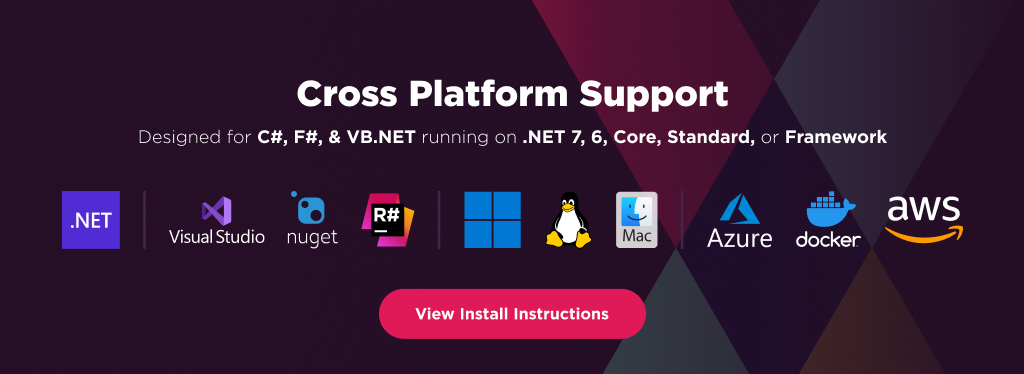
IronXL has cross platform support compatibility with:
- .NET 10, .NET 9, .NET 8, .NET 7, .NET 6 and .NET 5, .NET Core, Standard, and Framework
- Windows, macOS, Linux, Docker, Azure, and AWS
Additionally, our API reference and full licensing information can easily be found on our website.
Using IronXL
Installing the IronXL NuGet package is quick and easy, please install the package like this:
PM> Install-Package IronXL.Excel
Once installed, you can get started by adding using IronXL to the top of your C# code. Here is an example to get started:
using IronXL;
using System.Linq;

//Supported spreadsheet formats for reading include: XLSX, XLS, CSV and TSV
WorkBook workbook = WorkBook.Load("test.xlsx");
WorkSheet sheet = workbook.WorkSheets.First();

//Select cells easily in Excel notation and return the calculated value
int cellValue = sheet["A2"].IntValue;

// Read from Ranges of cells elegantly.
foreach (var cell in sheet["A2:A10"])
{
	Console.WriteLine("Cell {0} has value '{1}'", cell.AddressString, cell.Text);
}

//Calculate aggregate values such as Min, Max and Sum
decimal sum = sheet["A2:A10"].Sum();

//Linq compatible
decimal max = sheet["A2:A10"].Max(c => c.DecimalValue);
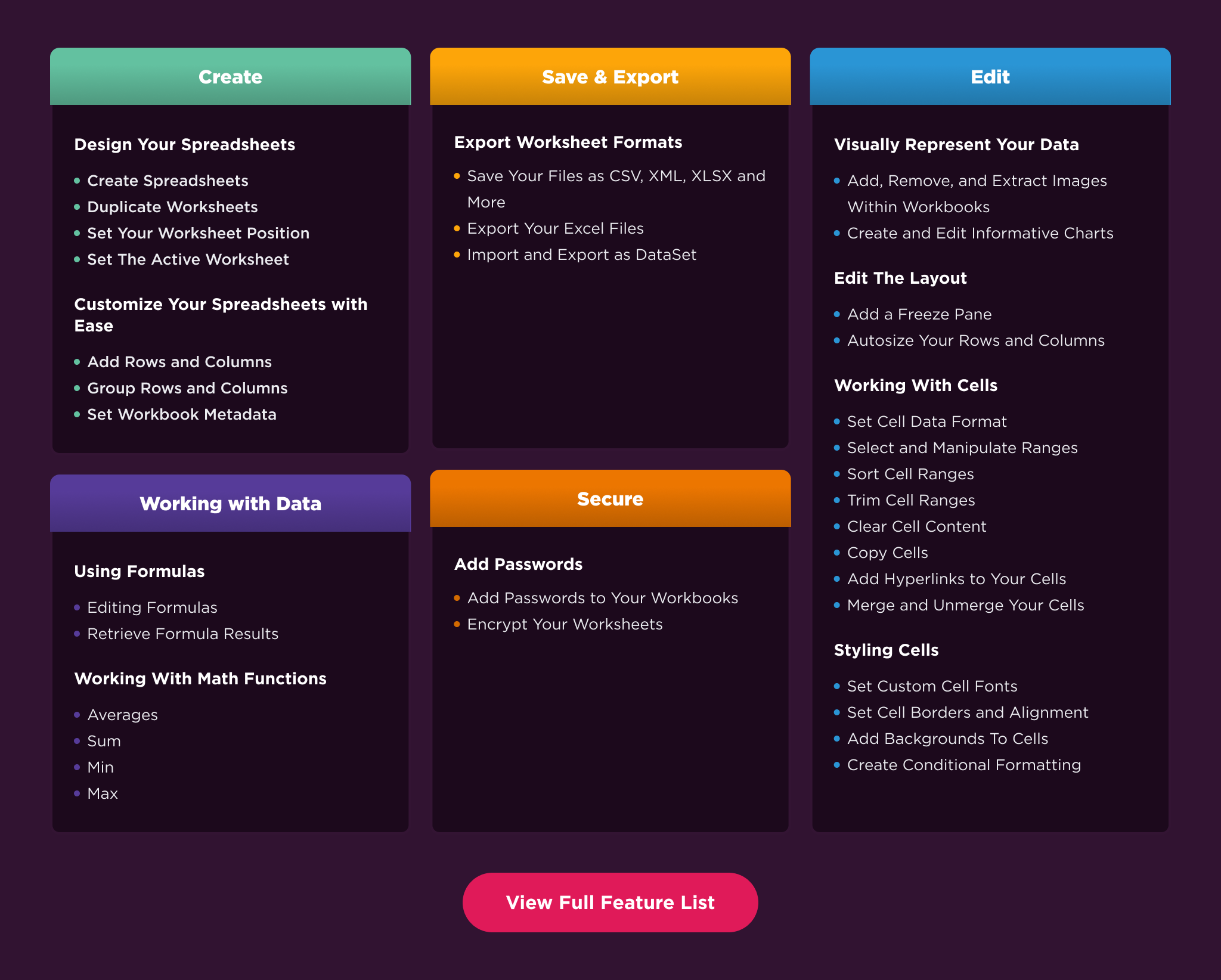
Features Table
Licensing & Support available
For code examples, tutorials and documentation visit https://ironsoftware.com/csharp/excel/
For support please email us at [email protected]
Documentation Links
- Code Examples : (https://ironsoftware.com/csharp/excel/examples/
- API Reference : https://ironsoftware.com/csharp/excel/object-reference/api/
- Tutorials : https://ironsoftware.com/csharp/excel/tutorials/how-to-read-excel-file-csharp/
- Licensing : https://ironsoftware.com/csharp/excel/licensing/
- Live Chat Support : https://ironsoftware.com/csharp/excel/#helpscout-support
You can email us at [email protected] for support directly from our code team. We offer licensing and extensive support for commercial deployment projects.
Changes from Previous Version
Adoption Assessment
A verified publisher signal is available. Assess fit from the package's supported frameworks, license and dependency graph rather than popularity alone.
Related Guides & Workflows
Learn how to evaluate, integrate, or audit this package in your .NET project.