IronQR.Slim - The lightweight package for writing and reading QR codes.
Install
| Product | Versions |
|---|---|
| .NET Standard |
README


%20-107C10?logo=visualstudio)



IronQR - The C# QR Code Library
Effortlessly generate, scan, and customize QR Codes in your .NET applications

IronQR is a library developed and maintained by Iron Software that helps C# Software Engineers to detect, read, and create QR Codes in .NET applications & websites with a sophisticated custom Machine Learning model.
Get Started in 3 Steps
1. Install the NuGet Package
PM> Install-Package IronQR
2. Create Your First QR Code
using IronQr;
using IronSoftware.Drawing;

// Create QR Code
QrCode myQr = QrWriter.Write("hello world"); // Embedded value as string
AnyBitmap qrBitmap = myQr.Save(); // Bitmap object able to export as bytes or file
qrBitmap.SaveAs("qr.png"); // Save to disk

// Read QR Code
var qrReader = new QrReader(settings: optionalQrReaderSettings); // Create reader
IEnumerable<QrResult> results = qrReader.Read(new QrImageInput("image.jpg")); // Reader calls ML Model to detect and read
IEnumerable<QrResult> asyncResults = await qrReader.ReadAsync(new QrImageInput("image.jpg")); // Async version

// Advanced QR Creation
var optionalOptions = new QrOptions(QrErrorCorrectionLevel.High, 20); // Advanced QR Generation Options

QrCode myQr = QrWriter.Write("hello world", options: optionalOptions); // QR code created with options

var fancyBrandedQrSettings = new QrStyleOptions // Add logo, branding, coloring, rouding, etc.
{
    Dimensions = 300, // px
    Margins = 10, // px
    Color = Color.Black,
    Logo = new QrLogo
    {
        Bitmap = new AnyBitmap(new Uri("website.com/image.svg")),
        Width = 50,
        Height = 50,
        CornerRadius = 2
    }
};
AnyBitmap qrWithBranding = myQr.Save(fancyBrandedQrSettings);
qrWithBranding.SaveAs("qr_fancy.png");
3. Explore More
Dive deeper with our extensive documentation and examples:
Tutorials: Step-by-step guides to help you create your first QR Code application.
Code Examples: Concise set of code that can be easily executable.
How-To Guides: Practical, goal-oriented instructions to solve specific problems.
Demo: Detailed technical descriptions of the API and its components.
API Reference: Demonstrating guides that showcase how IronQR works the way it does.
Key Features
Read QR Code: Reliably scan and decode QR codes from images and PDFs, including those of poor quality.
Generate QR Code: Create and customize QR codes with full control over size, color, and logo, and export them to images.
QR Code Types: Comprehensive support for standard QR code formats including QR Code, Micro QR Code, RMQRCode, for both reading and writing.
Supported Applications: Perfect for a wide range of applications and integrations including desktop, web, and mobile apps.
Compatibility
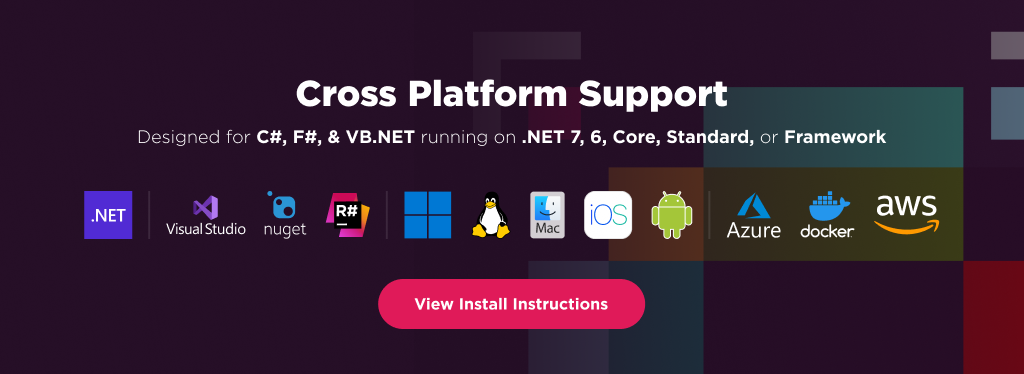
IronQR is built for modern .NET and supports a wide range of project types and operating systems.
Platforms: .NET 10, .NET 9, .NET 8, .NET 7, .NET 6, .NET 5, Core 2x & 3x, Standard 2
Framework: .NET Framework 4.6.2 (and above)
App Models: Console, Web, and Desktop Apps
Operating Systems: Windows, macOS, Linux (Debian, CentOS, Ubuntu), iOS, Android
Cloud & Containerization Platforms: Azure, AWS, Docker
IDEs: Microsoft Visual Studio or Jetbrains ReSharper & Rider
License
IronQR is a commercially licensed product.
Trial License: Get a free developer key to evaluate the full library with no commitment. Ideal for development and testing purposes. Start your trial HERE.
Purchase a License: Unlock the library for use in commercial projects and get access to our full technical support. Purchase your license HERE.
Getting Help & Support
Have a question or running into an issue?
Email Support: Reach out to our team directly at [email protected].
Live Chat Support: https://ironsoftware.com/csharp/qr/#helpscout-support
Report a Bug: https://ironsoftware.com/ticket-submission/
Community: https://ironsoftware.com/company/iron-slack-community/
Changes from Previous Version
Adoption Assessment
Assess this package against its supported frameworks, license, maintenance signals and dependency graph before making it a project standard.
Related Guides & Workflows
Learn how to evaluate, integrate, or audit this package in your .NET project.