IronPrint.Xamarin - An easy to use print library A fast and natural approach to work with printers in C#. For code samples, docs & more visit https://ironsoftware.com/csharp/print/ Key library features include: * Print with or without dialog * Easy-to-use print settings Works with: * **.NET 8**, .NET 7, .NET 6 and .NET 5, Core 2x & 3x, Standard 2 and Framework 4.6.2+ * Windows, macOS, maccatalyst, iOS and Android Licensing & Support available for commercial deployments. Find full documentation at: https://ironsoftware.com/csharp/print/ For support please contact us: [email protected]
Install
| Product | Versions |
|---|---|
| .NET Standard | |
| MonoAndroid | |
| Other |
README


%20-107C10?logo=visualstudio)




IronPrint.Xamarin - The C# Print Document Library

Get Started | Tutorials | Code Examples | Licensing | Free Trial
IronPrint.Xamarin is a library developed and maintained by Iron Software that assists C# software engineers in printing PDF documents and images in .NET Xamarin applications.
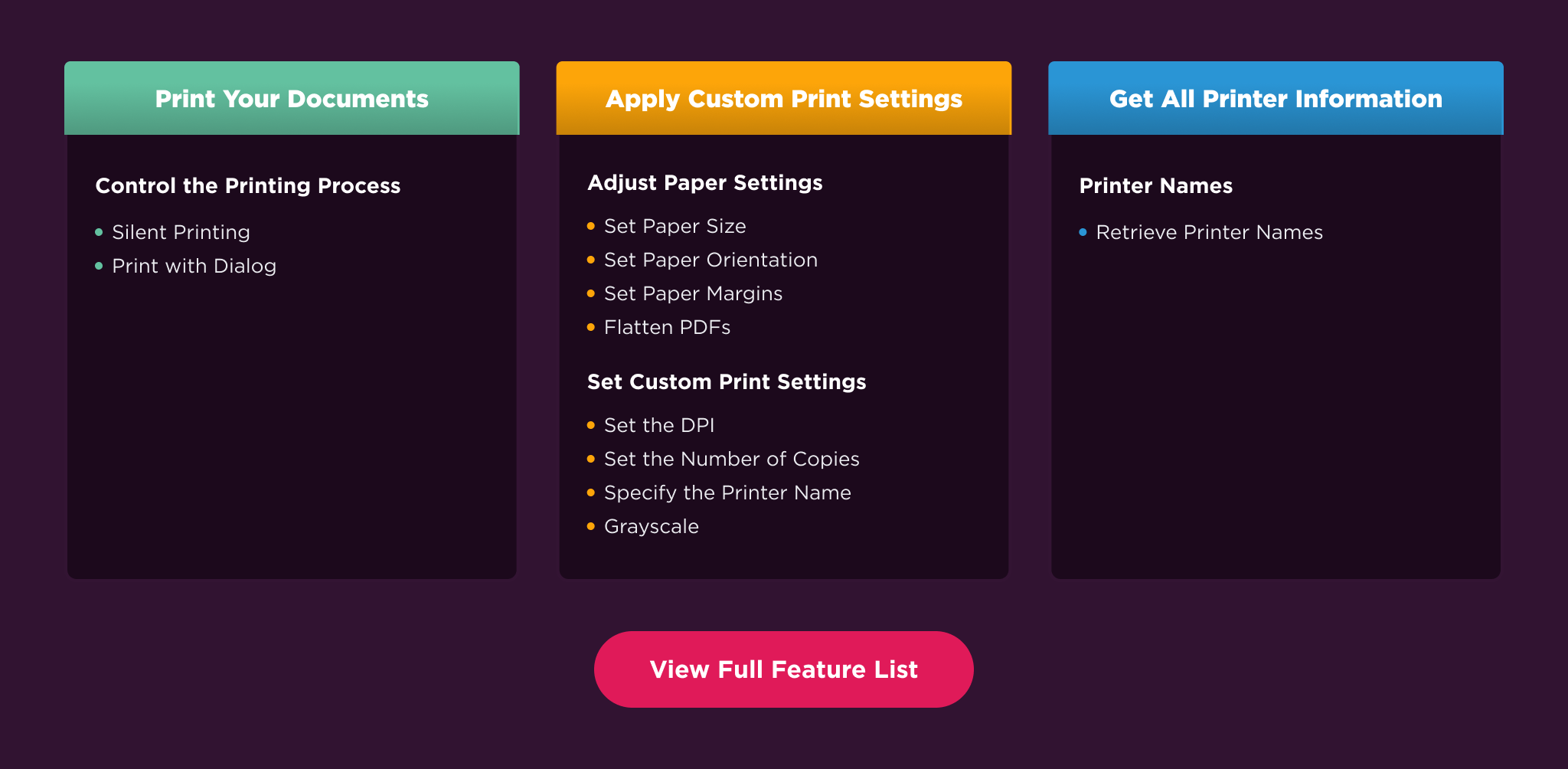
IronPrint.Xamarin excels at:
- Print with or without dialog
- Easy-to-use print settings
IronPrint.Xamarin has cross platform support compatibility with:
- .NET Framework 4.6.2 and above, .NET 3.1 and above (including .NET 5, .NET 6, .NET 7 and .NET 8)
- Windows, macOS, maccatalyst, iOS and Android
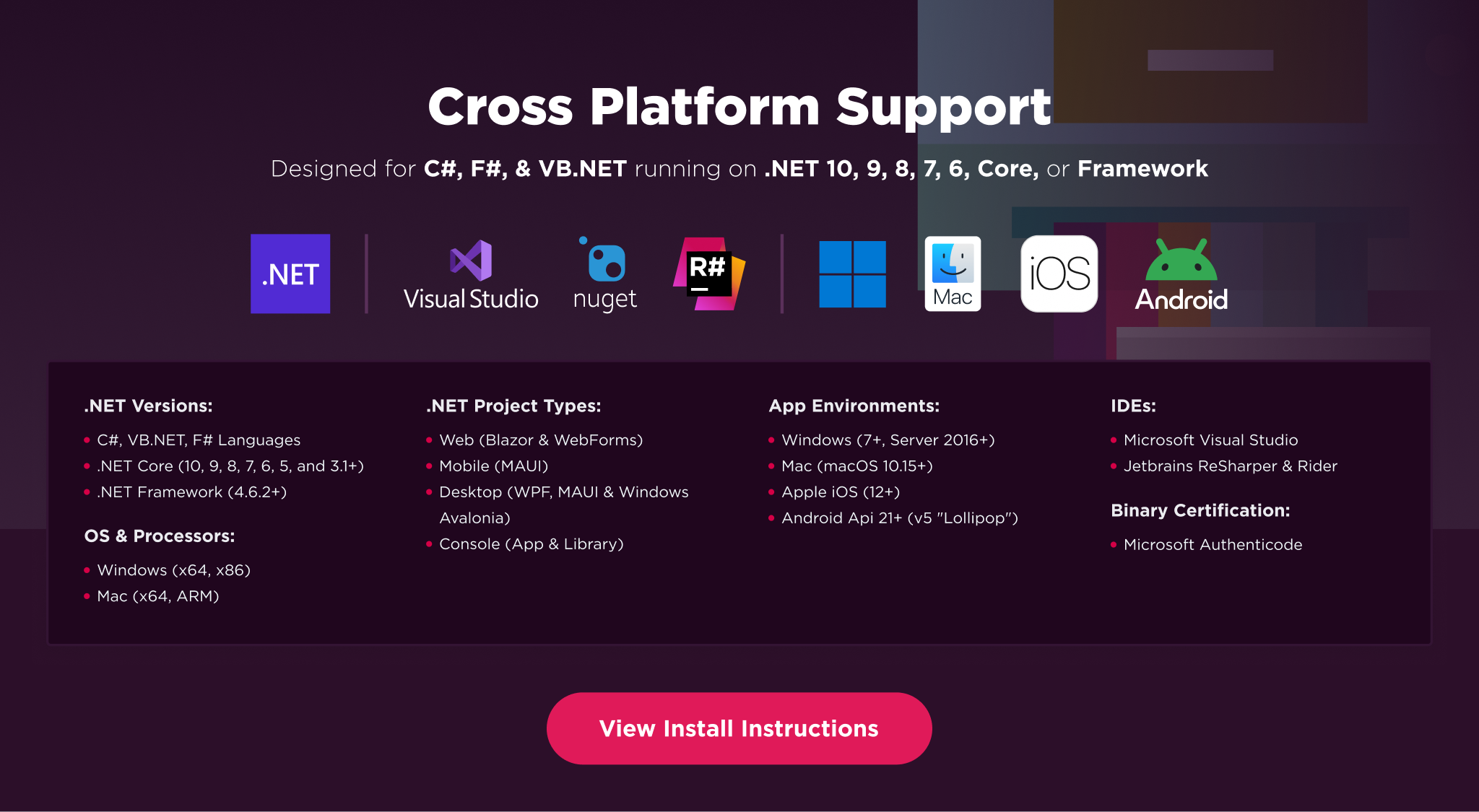
Additionally, our API reference and full licensing information can easily be found on our website.
Using IronPrint.Xamarin
Installing the IronPrint.Xamarin NuGet package is quick and easy; you can install it with the following command:
PM> Install-Package IronPrint.Xamarin
Xamarin.Android
Add the IronPrint.Xamarin Nuget package. Call IronPrint.Printer.Initialize(activity) from the MainActivity to ensure IronPrint is properly initialized.
Xamarin.Forms
Add the IronPrint.Xamarin Nuget package to the iOS and Android projects & the shared Forms project. For the Android project, call IronPrint.Printer.Initialize(activity) from the MainActivity to ensure IronPrint is properly initialized.
Important
For Xamarin.Forms, the user needs to ensure that the IronPrint.Xamarin package is added to both the platform projects (e.g. Android and iOS projects) as well as the shared forms project. This is actually the same way most Xamarin.Forms libraries are integrated into projects.
Once installed, you can get started by adding using IronPrint; to the top of your C# code. Here is some sample code to get started:
using IronPrint.Xamarin;

// Print PDF document
await IronPrint.Printer.PrintAsync("myDocument.pdf");
// Or
await IronPrint.Printer.ShowPrintDialogAsync("myDocument.pdf");

// Get printer list
var printerList = await IronPrint.Printer.GetPrinterNamesAsync();
Features Table
Licensing & Support available
For code examples, tutorials and documentation visit https://ironsoftware.com/csharp/print/
For support please email us at [email protected]
Documentation Links
- API Reference : https://ironsoftware.com/csharp/print/object-reference/api/
- Licensing : https://ironsoftware.com/csharp/print/licensing/
You can email us at [email protected] for support directly from our engineering team. We offer licensing and extensive support for commercial deployment projects.
Changes from Previous Version
Adoption Assessment
Assess this package against its supported frameworks, license, maintenance signals and dependency graph before making it a project standard.
Related Guides & Workflows
Learn how to evaluate, integrate, or audit this package in your .NET project.