IronPdf.Viewer.Maui
IronPdf.Viewer is a free-to-use .NET PDF viewer that you can add to your project to view save & print PDF files. # Compatible with Windows and MacOS for MAUI .NET 7 # Open, view, save & print PDF files # Customizable appearance Branding will be removed upon application of a trial or license key of IronPDF. For more information please visit https://ironpdf.com/licensing-embedded/ Compatability: * .NET 7+ * MAUI * Windows 10+ * macOS (ARM and Intel) For code examples, tutorials and documentation visit: https://ironpdf.com/pdf-viewer/
Install
| Product | Versions |
|---|---|
| .NET |
README



IronPDF Viewer - View PDFs in MAUI Applications
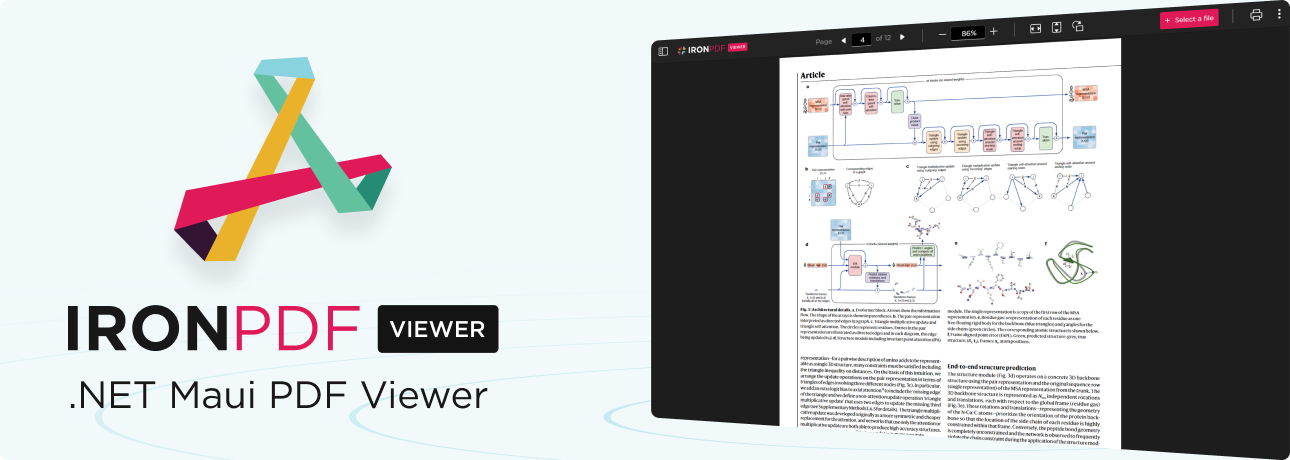
IronPDF Viewer is a free-to-use .NET PDF viewer developed and maintained by Iron Software that can be used to view, save, and print PDF files. It can be integrated into MAUI applications on either macOS or Windows.
Branding will be removed upon application of a trial or license key of IronPDF. For more information please visit https://ironpdf.com/licensing/
IronPDF Viewer supports:
- .NET 7
- Windows 10+, macOS (ARM and Intel)
- MAUI
Getting Started
Prerequisites
To add IronPDF Viewer to your MAUI application, first ensure that it does not target iOS and Android platforms. To do this in Visual Studio, follow the steps below:
- Right-click on your project and select "Properties".
- In the section "iOS Targets", uncheck "Enable targeting of the iOS Platform".
- In the section "Android Targets", uncheck "Enable targeting of the Android platform".
Unchecking both may require you to reload your project and/or restart Visual Studio.
Installing IronPDF Viewer
To install IronPDF Viewer, open the NuGet Package Manager Console and run the following command:
PM> Install-Package IronPdf.Viewer.Maui
Alternatively, you could perform the following steps to install with NuGet Package Manager:
- Right-click on Dependencies/Nuget.
- Select "Manage Nuget Packages"
- Search for "IronPdf.Viewer.Maui"
- Click "Add Package"
Adding the Viewer to your MAUI Project
In your MAUI app, add the following code to MauiProgram.cs:
using IronPdf.Viewer.Maui;

public static class MauiProgram
{
    public static MauiApp CreateMauiApp()
    {
        var builder = MauiApp.CreateBuilder();
        builder
            .UseMauiApp<App>()
            // other configuration options ...
            .ConfigureIronPdfView(); // configure the viewer on app start-up

        return builder.Build();
    }
}
Then add the IronPdfView component to a view in C#:
using IronPdf.Viewer.Maui;

public class MainPage : ContentPage
{
    private readonly IronPdfView pdfView;

    public MainPage()
    {
        InitializeComponent();

        this.pdfView = new IronPdfView { Options = IronPdfViewOptions.All };

        Content = this.pdfView;
    }
}
Alternatively, you could add the IronPdfView component to a view in XAML:
<?xml version="1.0" encoding="utf-8" ?>
<ContentPage ...
    xmlns:ipv="clr-namespace:IronPdf.Viewer.Maui;assembly=IronPdf.Viewer.Maui"
    ...>
    <ipv:IronPdfView x:Name="pdfView" Options="All" />
</ContentPage>

Licensing & Support Available
IronPDF Viewer is a part of our IronPDF product suite. For our full list of code examples, tutorials, licensing information, and documentation, visit: https://www.ironpdf.com/
For more support and inquiries, please email us at: [email protected]
Documentation Links
- How-To Guides: https://ironpdf.com/how-to/
- Code Examples: https://ironpdf.com/examples/
- API Reference: https://ironpdf.com/object-reference/api/
- Tutorials: https://ironpdf.com/tutorials/
- Licensing: https://ironpdf.com/licensing/
- Live Chat Support: https://ironpdf.com/#helpscout-support
Changes from Previous Version
Adoption Assessment
A verified publisher signal is available. Assess fit from the package's supported frameworks, license and dependency graph rather than popularity alone.
Related Guides & Workflows
Learn how to evaluate, integrate, or audit this package in your .NET project.