The OCR Library for C# & VB.Net. Highly optimized Tesseract 5 OCR in a stand-alone .NET library. Converts scanned documents, images, and PDFs to plain text. Also detects barcodes and QR.
Install
No framework information available.
README


%20-107C10?logo=visualstudio)



IronOCR - The C# OCR Library
IronOcr is a C# library for reading texts and barcode from images and PDFs.

IronOCR is a comprehensive C# library for developers to add advanced text and barcode recognition to .NET applications. With its precise engine, you can extract text from images and PDFs, scan dozens of barcode formats, export searchable text, and embed robust document scanning capabilities directly into your projects.
Get Started in 3 Steps
1. Install the NuGet Package
PM> Install-Package IronOCR
2. Perform Basic OCR
using IronOcr;

var ocr = new IronTesseract();

using (var ocrInput = new OcrInput())
{
    ocrInput.LoadImage("image.png");
    ocrInput.LoadPdf("document.pdf");

    // Optionally Apply Filters if needed:
    // ocrInput.Deskew();  // use only if image not straight
    // ocrInput.DeNoise(); // use only if image contains digital noise

    var ocrResult = ocr.Read(ocrInput);
    Console.WriteLine(ocrResult.Text);
}
3. Explore More
Dive deeper with our extensive documentation and examples:
Tutorials: Step-by-step guides to help you build your first OCR application.
Code Examples: Practical examples of executable code for common tasks.
How-To Guides: Practical, goal-oriented instructions to solve specific problems.
Demo: Demonstrating guides that showcase how IronOCR works the way it does.
API Reference: Detailed technical descriptions of the API and its components.
Key Features
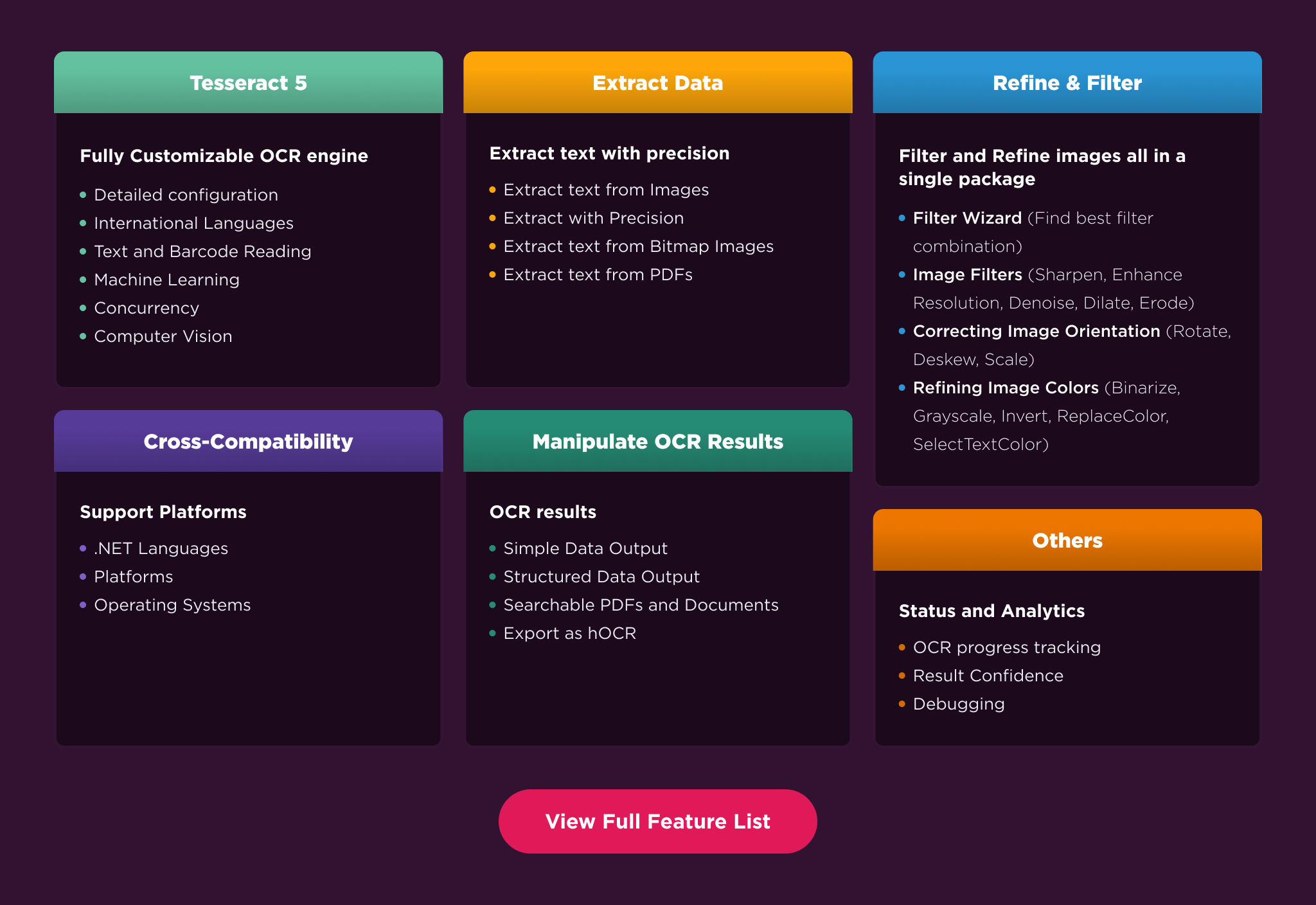
Document Reading: Accurately extract text from common documents like scans, photographs, and receipts.
Specialized Reading: Utilize advanced reading functions to read formatted data such as passports (MRZ) and checks (MICR)
Preprocessing: Improve OCR accuracy with a suite of image preprocessing filters, including deskew, denoise, and binarization.
Configurations & Languages: Fine-tune the OCR engine for specific scenarios and read documents with 125 international languages supported.
OCR Results: Access structured output data by pages, paragraphs, lines, etc. Support the export to searchable PDFs
Compatibility
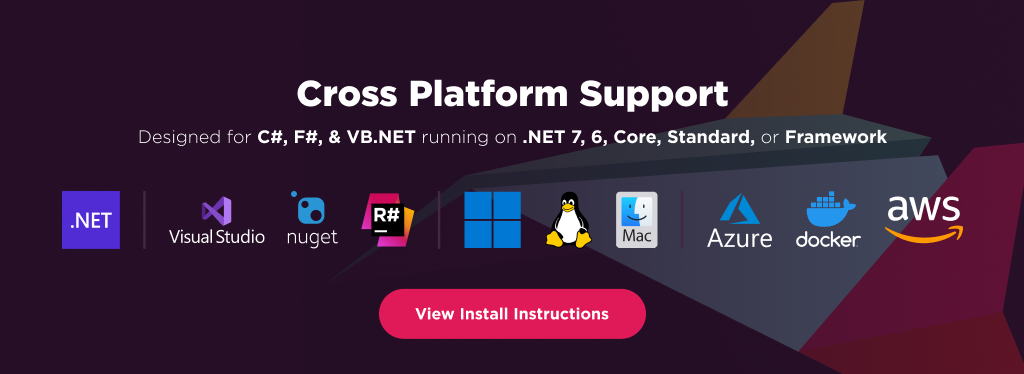
IronOCR is built for modern .NET and supports a wide range of project types and operating systems.
Platforms: .NET 10, .NET 9, .NET 8, .NET 7, .NET 6, .NET 5, Core 2x & 3x, Standard 2
Framework: .NET Framework 4.6.2 (and above)
App Models: Console, Web, and Desktop Apps
Operating Systems: Windows, macOS, Linux (Debian, CentOS, Ubuntu), iOS, Android
IDEs: Microsoft Visual Studio or Jetbrains ReSharper & Rider
License
IronOCR is a commercially licensed product.
Trial License: Get a free developer key to evaluate the full library with no commitment. Ideal for development and testing purposes. Start your trial HERE.
Purchase a License: Unlock the library for use in commercial projects and get access to our full technical support. Purchase your license HERE.
Getting Help & Support
Have a question or running into an issue?
Email Support: Reach out to our team directly at [email protected].
Live Chat Support: https://ironsoftware.com/csharp/ocr/#helpscout-support
Report a Bug: https://ironsoftware.com/ticket-submission/
Community: https://ironsoftware.com/company/iron-slack-community/
Changes from Previous Version
Adoption Assessment
A verified publisher signal is available. Assess fit from the package's supported frameworks, license and dependency graph rather than popularity alone.
Related Guides & Workflows
Learn how to evaluate, integrate, or audit this package in your .NET project.