The OCR Library for C# & VB.Net. Highly optimized Tesseract 5 OCR in a stand-alone .NET library. Converts scanned documents, images, and PDFs to plain text. Also detects barcodes and QR.
Install
No framework information available.
README


%20-107C10?logo=visualstudio)



IronOCR - The advanced Optical Character Recognition library for .NET

Get Started | Code Examples | Licensing | Free Trial
IronOCR is a library developed and maintained by Iron Software that helps C# Software Engineers to perform Optical Character Recognition, Barcode Scanning, and Text Extraction in projects in .NET.
IronOCR excels at:
- Reading text from many formats such as images (jpg, png, gif, tiff, bmp), gif, tif/tiff, streams, and PDFs
- Correcting low quality scans and photos with a plethora or filters such as Deskew, Denoise, Binarize, Enhance Resolution, Dilate, and many more
- Reading barcodes from over 20 Barcode formats and QR Code Support
- Utilizing the latest build of Tesseract OCR performance tuned above and beyond any other
- Exporting Searchable PDFs, hOCR / HTML Exporting, and image content text
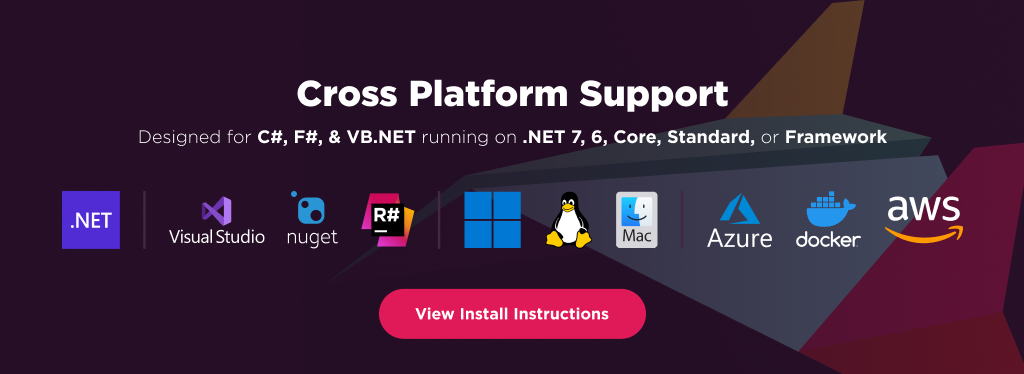
IronOCR has cross platform support compatibility with:
- .NET 6 and .NET 5, .NET Core, Standard, and Framework
- Windows, macOS, Linux, Docker, Azure, and AWS
Additionally, our API reference and full licensing information can easily be found on our website.
Using IronOCR
Installing the IronOCR NuGet package is quick and easy, please install the package like this:
PM> Install-Package IronOCR
Once installed, you can get started by adding using IronOcr to the top of your C# code. Here is is sample image text scan reading example to get started:
using IronOcr;
var Ocr = new IronTesseract();
using (var Input = new OcrInput("image.png"))
{
    // Input.Deskew();  // use if image not straight
    // Input.DeNoise(); // use if image contains digital noise
    var Result = Ocr.Read(Input);
    Console.WriteLine(Result.Text);
}
Features Table
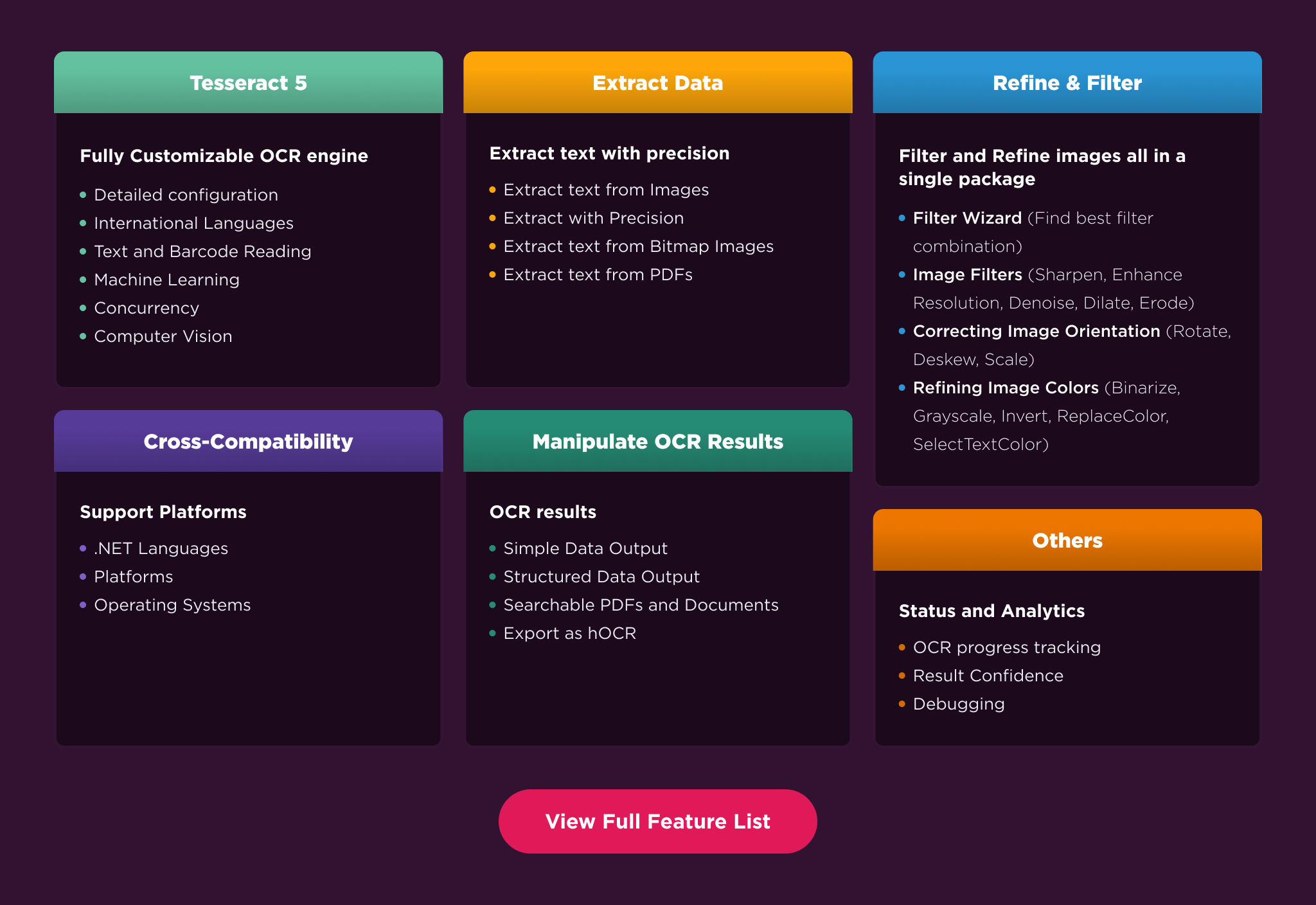
Welcome to the cutting edge of .NET OCR technology with IronOCR 2023 with full support for:
- C#, F#, and VB.NET
- .NET 6, 5, Core 2x & 3x, Standard 2, and Framework 4x
- Console, Web, and Desktop Apps
- Windows, Linux (Debian, CentOS, Ubuntu), MacOs, Docker, AWS, and Azure
- Microsoft Visual Studio or Jetbrains ReSharper & Rider
- Barcode, QR Code, and Text detection
Licensing & Support available
For code examples, tutorials and documentation visit https://ironsoftware.com/csharp/ocr/
For more support and inquiries, please email us at: [email protected]
Documentation Links
- Code Examples : https://ironsoftware.com/csharp/ocr/examples/
- API Reference : https://ironpdf.com/object-reference/api/
- Tutorials : https://ironsoftware.com/csharp/ocr/tutorials/
- Licensing : https://ironsoftware.com/csharp/ocr/licensing/
- Live Chat Support : https://ironsoftware.com/csharp/ocr/#helpscout-support
Changes from Previous Version
Adoption Assessment
A verified publisher signal is available. Assess fit from the package's supported frameworks, license and dependency graph rather than popularity alone.
Related Guides & Workflows
Learn how to evaluate, integrate, or audit this package in your .NET project.