Consolonia
v11.2.3-beta.920Pre-release
net8.0
Text User Interface implementation of Avalonia UI (GUI Framework)
Published
Feb 6, 2025
1y ago
Total Downloads
47.3K
47,300
Install
dotnet add package Consolonia --version 11.2.3-beta.920
| Product | Versions |
|---|---|
| .NET |
README
Consolonia
This package is meta package for building Consolonia applications.
Background
Consolonia is a TUI (Text User Interface) (GUI Framework) implementation for Avalonia UI
Supports XAML, data bindings, animation, styling and the rest from Avalonia.
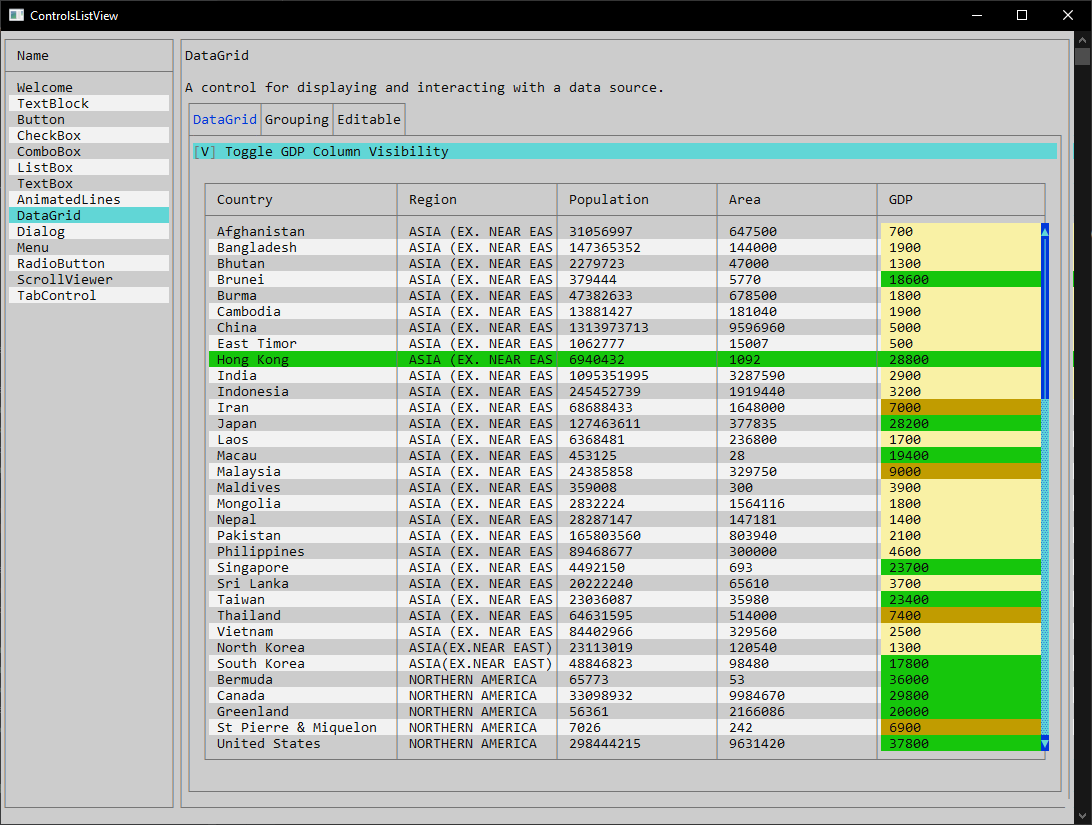
Showcase (click picture to see video)
Usage
Define an application with a theme (See Consolonia.Themes.TurboVision for themes)
Define a Window
HelloWorldWindow.axaml
<Window xmlns="https://github.com/avaloniaui"
        xmlns:x="http://schemas.microsoft.com/winfx/2006/xaml"
        x:Class="HelloWorldWindow">
    <TextBlock Text="Hello World" />
</Window>

## Define an application
You need to define an application that defines a theme and sets the main window.

HelloWorldApp.cs
```csharp
// use HelloWorldWindow as the MainWindow for the application
public class HelloWorldApp : ConsoloniaApplication
{
    public override void Initialize()
    {
        // set the theme
        Styles.Add(new MaterialTheme());
    }
}
Setup program.cs
Program.cs
[STAThread]
private static void Main(string[] args)
{
    BuildAvaloniaApp()
        .StartWithConsoleLifetime(args);
}

public static AppBuilder BuildAvaloniaApp()
    => AppBuilder.Configure()
        .UseConsolonia()
        .UseAutoDetectedConsole()
        .LogToException();
Changes from Previous Version
No structural changes between v11.2.3-beta.906 and v11.2.3-beta.920.
Adoption Assessment
Assess this package against its supported frameworks, license, maintenance signals and dependency graph before making it a project standard.
This version is marked prerelease. Validate its API and upgrade path before production use.Compatibility metadata lists 1 target framework; confirm the exact target used by your application.
Related Guides & Workflows
Learn how to evaluate, integrate, or audit this package in your .NET project.