Consolonia.PreviewHost
This is a preview application for visualizng xaml files in consolonia
Install
No framework information available.
README

Consolonia.PreviewHost
This is a tool which enables a live view of a consolonia axaml file, or a consolonia project.
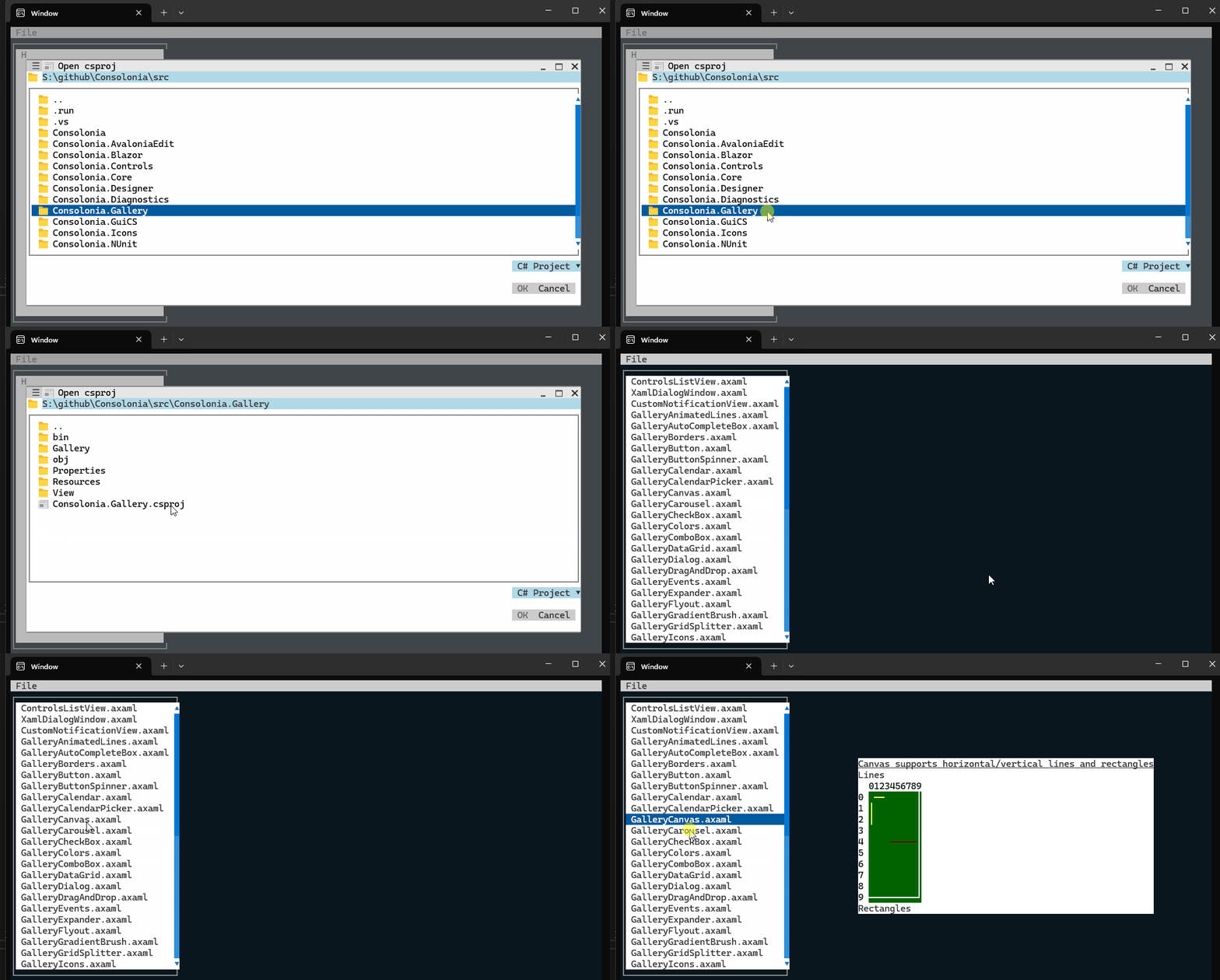
Installation
To install the tool, you can use the following command:
dotnet tool install -g Consolonia.PreviewHost
Usage
To use the tool, you can use the following command:
Consolonia.PreviewHost <path-to-axaml-file>|<path-to-project-file>|<path-to-project-directory>
It will monitor the file or directory for changes, and will automatically update the preview when changes are detected.
Run the following command to monitor the project or folder:
Conoslonia.PreviewHost <path-to-project-file-or-folder>
Run following command to monitor a given .axaml file.
Conoslonia.PreviewHost <.axaml file name>
NOTE: In single file mode the tool will exit when you hit escape key
Running inside Visual Studio
- Open the solution in Visual Studio.
- Open a Terminal (View -> Terminal).
- run the following command
Consolonia.PreviewHost .
Running inside Visual Studio Code
To integrate the tool with Visual Studio Code, you can use the following steps:
- Open the project directory in Visual Studio Code.
- Open a terminal inside of visual studio code
- run the following command
Consolonia.PreviewHost .
Changes from Previous Version
Adoption Assessment
Assess this package against its supported frameworks, license, maintenance signals and dependency graph before making it a project standard.
Related Guides & Workflows
Learn how to evaluate, integrate, or audit this package in your .NET project.