Consolonia.PreviewHost
Text User Interface implementation of Avalonia UI (GUI Framework)
Install
No framework information available.
README
Consolonia.PreviewHost
This is a tool which enables a live view of a consolonia axaml file, or a consolonia project.
Background
Consolonia is a TUI (Text User Interface) (GUI Framework) implementation for Avalonia UI
Supports XAML, data bindings, animation, styling and the rest from Avalonia.
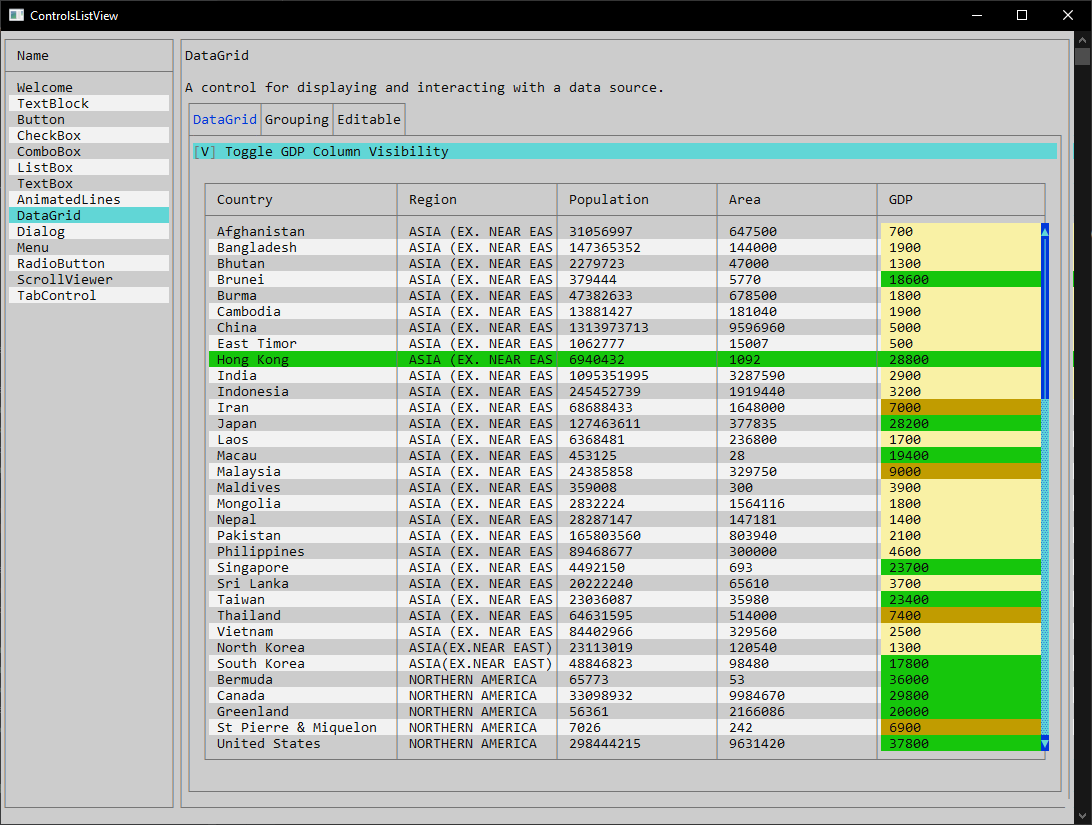
Showcase (click picture to see video)
Installation
To install the tool, you can use the following command:
dotnet tool install -g Consolonia.PreviewHost
Usage
To use the tool, you can use the following command:
Consolonia.PreviewHost <path-to-axaml-file>|<path-to-project-file>|<path-to-project-directory>
It will monitor the file or directory for changes, and will automatically update the preview when changes are detected.
Run the following command to monitor the project or folder:
Conoslonia.PreviewHost <path-to-project-file-or-folder>
Run following command to monitor a given .axaml file.
Conoslonia.PreviewHost <.axaml file name>
NOTE: In single file mode the tool will exit when you hit escape key
Running inside Visual Studio
- Open the solution in Visual Studio.
- Open a Terminal (View -> Terminal).
- run the following command
Consolonia.PreviewHost .
Running inside Visual Studio Code
To integrate the tool with Visual Studio Code, you can use the following steps:
- Open the project directory in Visual Studio Code.
- Open a terminal inside of visual studio code
- run the following command
Consolonia.PreviewHost .
Changes from Previous Version
Adoption Assessment
Assess this package against its supported frameworks, license, maintenance signals and dependency graph before making it a project standard.
Related Guides & Workflows
Learn how to evaluate, integrate, or audit this package in your .NET project.