Consolonia.NUnit
Text User Interface implementation of Avalonia UI (GUI Framework)
Install
| Product | Versions |
|---|---|
| .NET |
README
Consolonia.NUnit
This package provides testing support for testing consolonia controls using NUnit.
Background
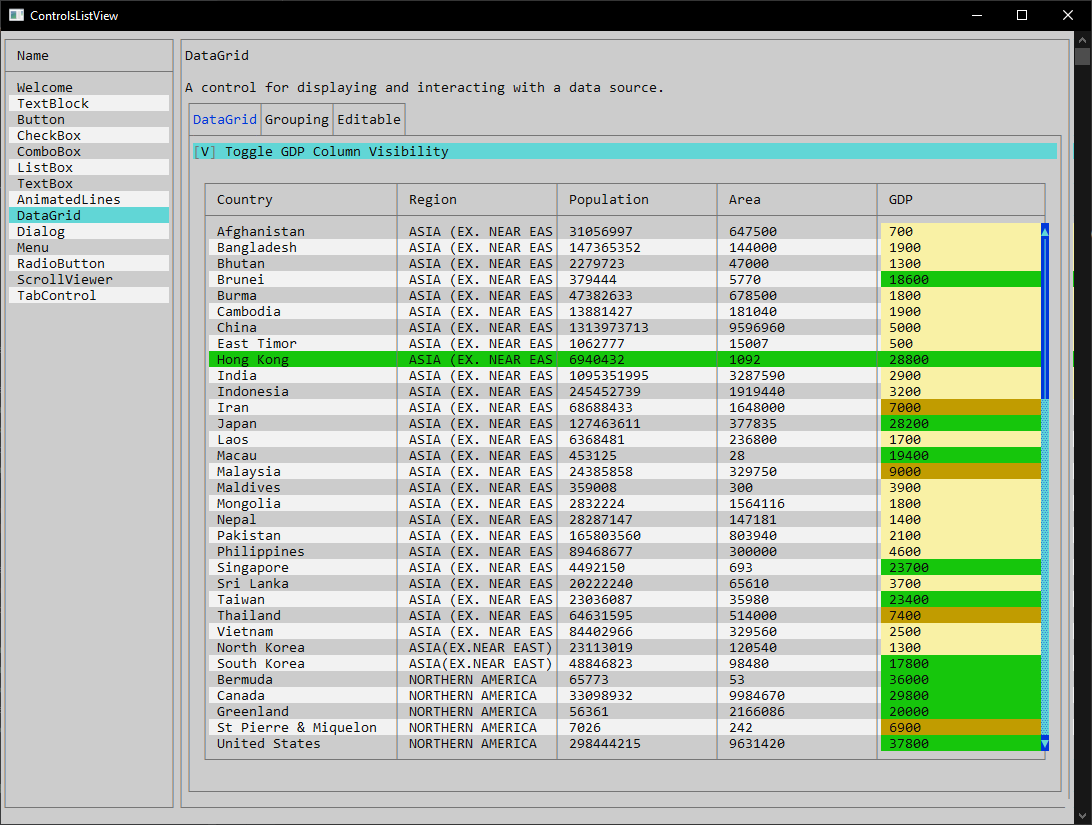
Consolonia is a TUI (Text User Interface) (GUI Framework) implementation for Avalonia UI
Supports XAML, data bindings, animation, styling and the rest from Avalonia.
Showcase (click picture to see video)
Usage
To create a unit test against your consolonia application your test class should derive from ConsoloniaAppTestBase<App$gt;.
You can define the size of your console by passing size parameter to base class.
Then you can use UITest to interact with your application, and use UITest.AssertHasText() to verify the screen of text matches your expectation.
UITest.AssertHasText()
Takes one or more Regex patterns and verifies that the screen contains the text that matches the pattern.
UITest.AssertHasNoText()
Takes one or more Regex patterns and verifies that the screen does not contain the text that matches the pattern.
Example
    public class Tests : ConsoloniaAppTestBase<App>
    {
        public Tests : base(new PixelBufferSize(80, 40))
        {
        }


        [Test]
        public async Task DisplaysBasicText()
        {
            await UITest.KeyInput(Key.Tab);
            await UITest.AssertHasText("This is TextBlock");
        }
    }
Changes from Previous Version
Adoption Assessment
Assess this package against its supported frameworks, license, maintenance signals and dependency graph before making it a project standard.
Related Guides & Workflows
Learn how to evaluate, integrate, or audit this package in your .NET project.