net6.0
Ribbon for WinForms provides a modern toolbar and menu system similar to Office 365 applications. Ribbon supports galleries, toolbars, backstage view, simplified view, and themes.
Published
Sep 25, 2023
3y ago
Total Downloads
173.0K
173,024
Install
dotnet add package C1.Win.Ribbon --version 6.0.20232.620
| Product | Versions |
|---|---|
| .NET |
README
About
Ribbon for WinForms provides a modern toolbar and menu system similar to Office 365 applications. Ribbon supports galleries, toolbars, backstage view, simplified view, and themes.
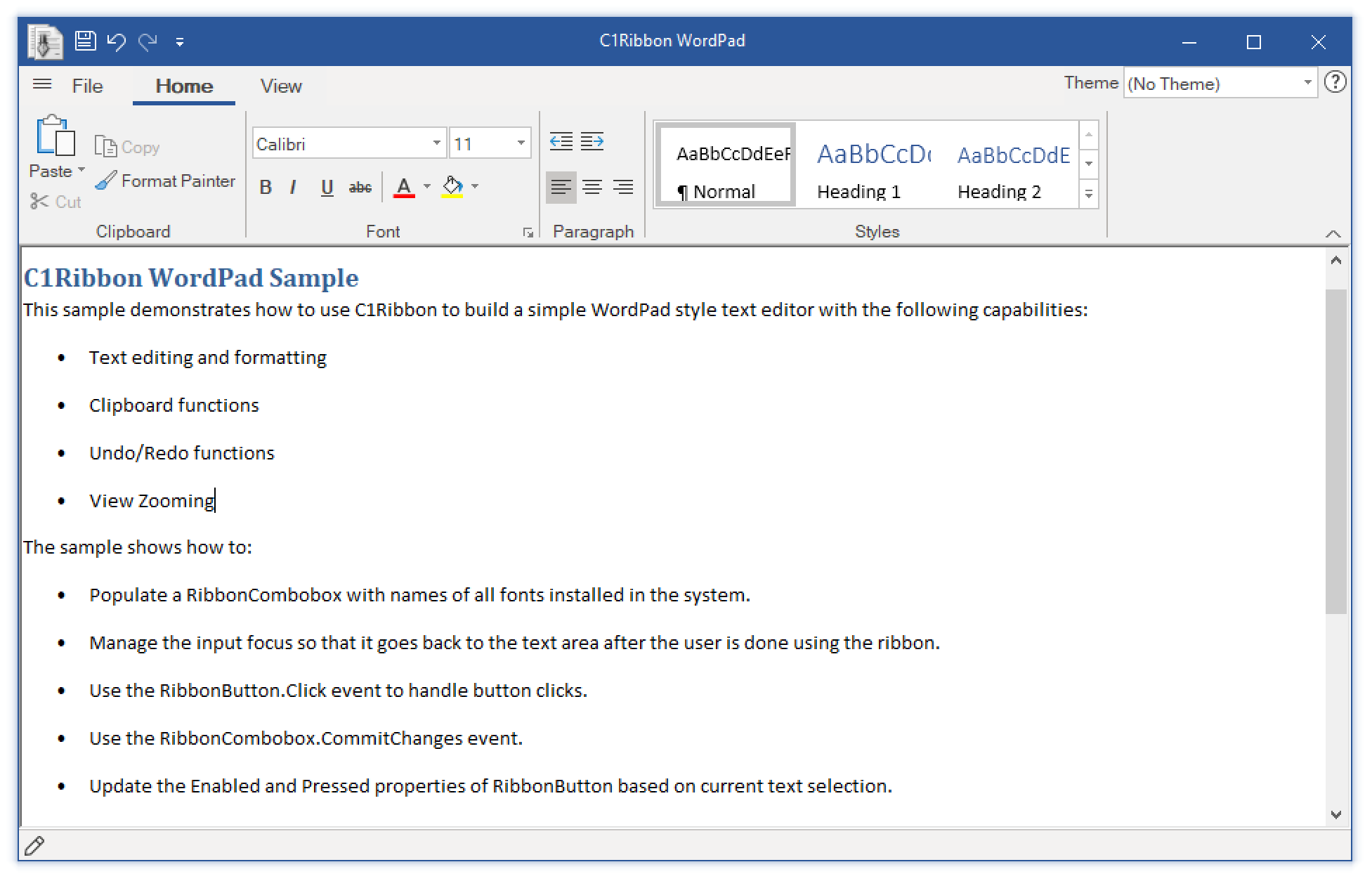
Key Features:
- A compact ribbon UI. It is designed to provide more space for content. In simplified ribbon view, you can display many commands in a single line.
- C1BackstageView is a separate component in the Ribbon control. It replaces the Main Application Menu in old Ribbon-based applications and opens in a full-size window. With this component, users can open, save, create, share, rename and print files.
- The Gallery Bar provides a gallery of items. C1Ribbon supports interesting features like grouping, filtering and zooming items within the gallery.
- The Quick Access Toolbar (QAT) provides users access to frequently used items. The user can customize the Quick Access Toolbar and add more items from tabs and groups in the ribbon.
- Provide icon sets for representing commands. It is available in many sizes, display-modes and screen resolutions. The new C1Ribbon control provides icons for low, medium and high DPI environments.
- Offer a new set of embedded images for low contrast and high contrast themes. This adds a better visual appearance to the ribbon.
- Support Key Tips. You can use key tips to provide quick keyboard access to ribbon items.
Learn more at www.grapecity.com/controls/winforms/ribbon.
Resources
Changes from Previous Version
No structural changes between v6.0.20232.611 and v6.0.20232.620.
Adoption Assessment
Assess this package against its supported frameworks, license, maintenance signals and dependency graph before making it a project standard.
No SPDX license expression is published. Review the license text and your organisation's policy before redistribution.Compatibility metadata lists 1 target framework; confirm the exact target used by your application.
Related Guides & Workflows
Learn how to evaluate, integrate, or audit this package in your .NET project.