.NETFramework4.6.2.NETFramework4.8net6.0-windows7.0net8.0-windows7.0net10.0-windows7.0
FlexChart for WinForms is a powerful chart control with support for 80+ chart types, flexible data binding, GDI+ and DirectX rendering.
Published
Mar 25, 2026
7mo ago
Total Downloads
7.4K
7,421
Install
dotnet add package C1.Win.FlexChart.Cn --version 10.0.20252.755
| Product | Versions |
|---|---|
| .NET | |
| Other |
README
About
ComponentOne FlexChart for WinForms is a powerful chart control with support for 80+ chart types, flexible data binding, GDI+ and DirectX rendering in .NET.
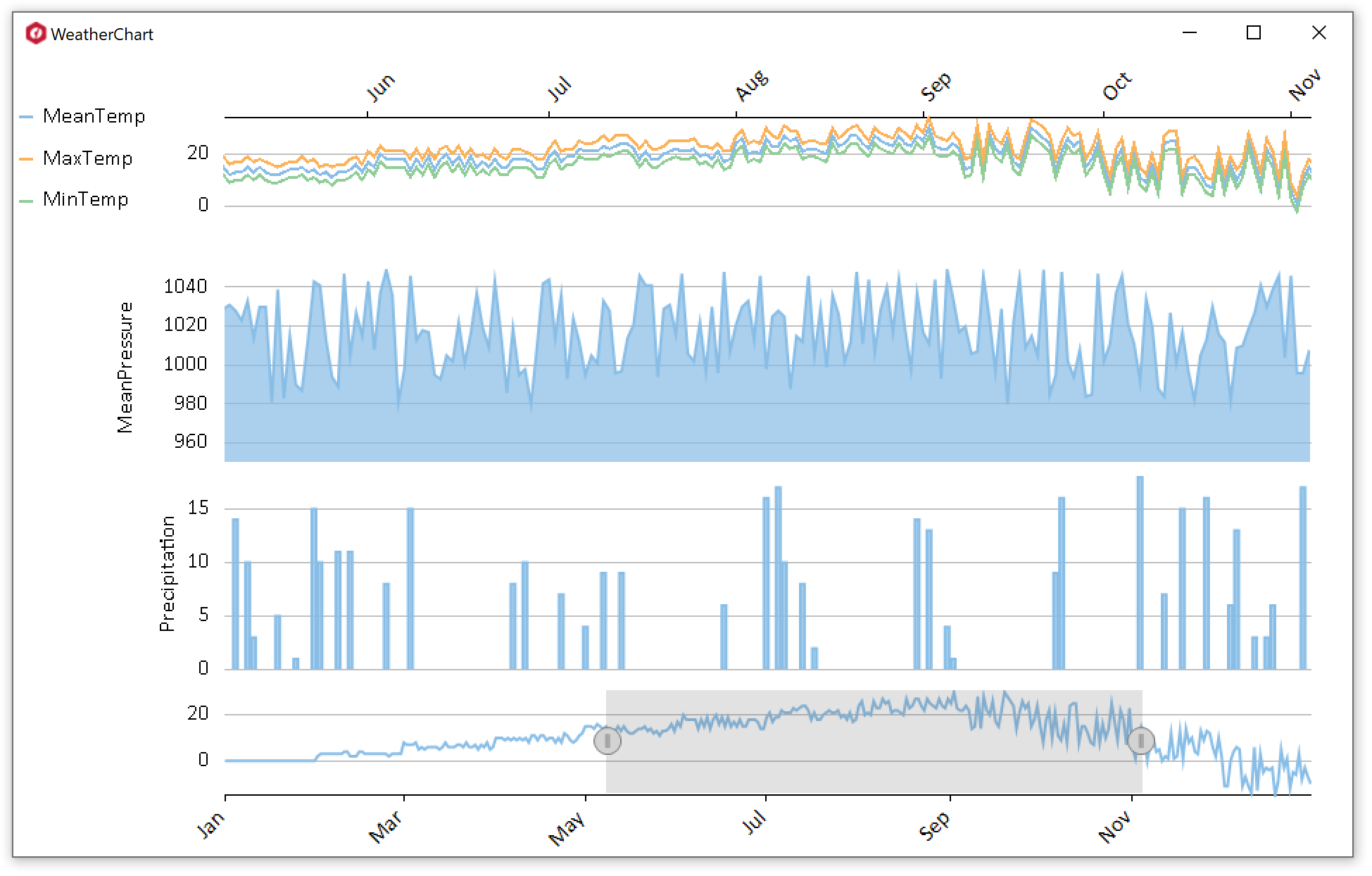
Key Features:
- 80+ chart types, FlexChart provides a wide range of charts to choose from.
- Render high quality charts with FlexChart as it provides support for DirectX and GDI+ rendering engine.
- Options to bind at the axis level, series level as well as chart level, to static arrays and dynamic lists, with single data source or multiple.
- A simple and easy-to-use but powerful and efficient API.
- Support edit various chart aspects such as appearance, binding, axes, legend, data labels etc. at run-time using the built-in FlexChart Designer.
- Many interactivity features such as selection, drilldown, scrolling, zooming, line markers, range selector and animation which enhance the overall user experience.
- 16 pre-defined color palettes to choose from and an option to design custom palettes.
- Support save an existing chart as an XML file or image; load chart from the same to generate a new chart.
- Built-in intelligence to automatically adjust the elements such as axis labels, data labels, legends, etc.
- Rich feature set.
Resources
Changes from Previous Version
No structural changes between v10.0.20252.740 and v10.0.20252.755.
Adoption Assessment
Assess this package against its supported frameworks, license, maintenance signals and dependency graph before making it a project standard.
No SPDX license expression is published. Review the license text and your organisation's policy before redistribution.Compatibility metadata lists 5 target frameworks; confirm the exact target used by your application.The published metadata declares 20 direct dependency entries across framework groups. Inspect the resolved dependency graph for your target framework.
Related Guides & Workflows
Learn how to evaluate, integrate, or audit this package in your .NET project.