net8.0-windows7.0
ComponentOne Ribbon™ for WPF provides Microsoft Ribbon-like toolbars, buttons, and toolstrips so you can create professional-looking apps that wow your users.
Published
Nov 8, 2023
2y ago
Total Downloads
30.0K
30,002
Install
dotnet add package C1.WPF.Ribbon --version 8.0.20233.668
| Product | Versions |
|---|---|
| .NET |
README
About
The ComponentOne WPF Ribbon library provides simplified ribbon UI and toolstrip components. Complete your desktop apps with a fluent ribbon-style toolbar based on UI concepts from Microsoft Office 365.
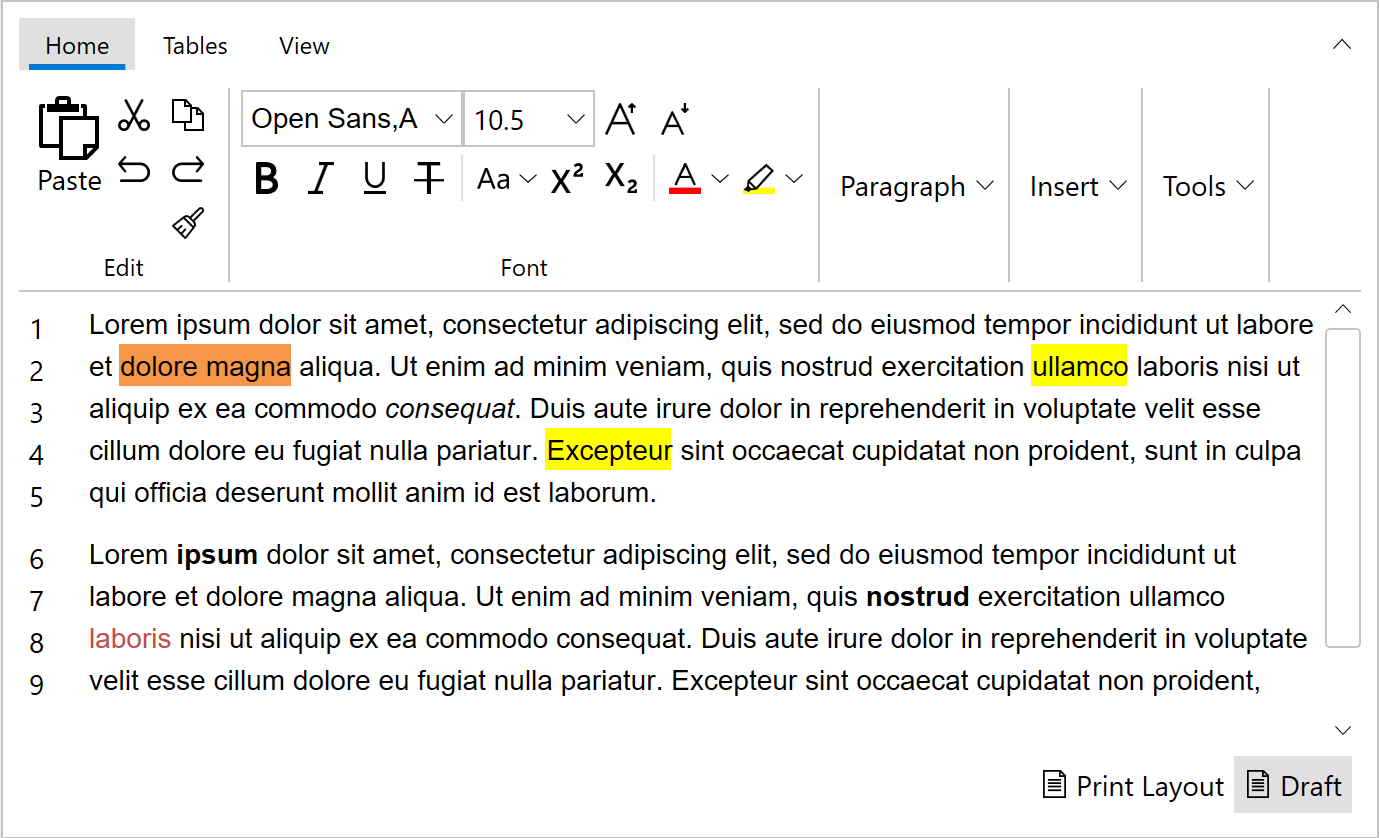
Key Features:
- Build and customize your ribbon using built-in button controls
- Simplified view when the ribbon is collapsed
- Responsive overflow support when the ribbon is resized
- ToolStrip component to create simple toolbars
- Office 365 style with active tab indicators
Learn more at developer.mescius.com/componentone/wpf-ui-controls/simplified-ribbon-ui-control-wpf.
Resources
Changes from Previous Version
v7.0.20233.662v8.0.20233.668
Added Frameworks
net8.0-windows7.0
Removed Frameworks
net6.0-windows7.0
Added Dependencies
C1.WPF.DataCollection(net8.0-windows7.0)
C1.WPF.Core(net8.0-windows7.0)
C1.WPF.Input(net8.0-windows7.0)
C1.WPF.Menu(net8.0-windows7.0)
C1.WPF.TabControl(net8.0-windows7.0)
Removed Dependencies
C1.WPF.DataCollection(net6.0-windows7.0)
C1.WPF.Core(net6.0-windows7.0)
C1.WPF.Input(net6.0-windows7.0)
C1.WPF.Menu(net6.0-windows7.0)
C1.WPF.TabControl(net6.0-windows7.0)
Adoption Assessment
Assess this package against its supported frameworks, license, maintenance signals and dependency graph before making it a project standard.
No SPDX license expression is published. Review the license text and your organisation's policy before redistribution.Compatibility metadata lists 1 target framework; confirm the exact target used by your application.
Related Guides & Workflows
Learn how to evaluate, integrate, or audit this package in your .NET project.