Upgrade your static interface to a multi-tabbed docking interface with ComponentOne DockControl™ for WPF. Inspired by the docking system in Microsoft Visual Studio®, DockControl delivers customizable workspaces to your users, complete with resizing, persisting, and auto-hiding capabilities.
Install
| Product | Versions |
|---|---|
| .NET |
README
About
The ComponentOne WPF Docking library provides a multi-tabbed, docking interface inspired by Microsoft Visual Studio. Deliver customizable workspaces to your users complete with resizing, floating, and auto-hiding capabilities.
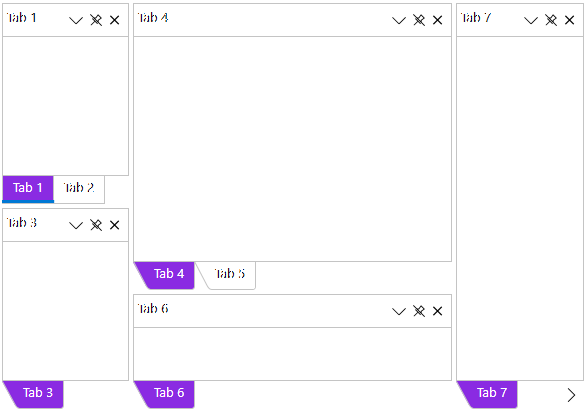
Key Features:
- Float and drag tabs outside your desktop application
- Dock tabs using a diamond UI paradigm just like Visual Studio
- Tabs can slide open and closed just like the pin (auto-hide) behavior seen in Visual Studio
- The C1DockTabControl will hide the tab header when only one tab exists
- In code you can persist layouts and restrict docking of certain tabs
Learn more at developer.mescius.com/componentone/wpf-ui-controls/custom-workspace-dockcontrol-wpf.
Resources
Changes from Previous Version
Adoption Assessment
Assess this package against its supported frameworks, license, maintenance signals and dependency graph before making it a project standard.
Related Guides & Workflows
Learn how to evaluate, integrate, or audit this package in your .NET project.