AngleSharp.Browser.Avalonia
An Avalonia control displaying web pages with AngleSharp.Browser.
Install
| Product | Versions |
|---|---|
| .NET |
README

AngleSharp.Browser




AngleSharp.Browser brings everything from the AngleSharp ecosystem together in a set of packages that can either be a rendering (visible) browser; in form of a re-usable component.
Packages
| Package | Description |
|---|---|
| AngleSharp.Browser | A UI-agnostic BrowserEngine wiring up AngleSharp, AngleSharp.Css, AngleSharp.Js, AngleSharp.Io and AngleSharp.Renderer. It navigates (with back / forward history), paints the current document and translates pointer, wheel and keyboard input into DOM interactions (hover, links, forms, focus, text entry, scrolling). |
| AngleSharp.Browser.Avalonia | A ready to use BrowserView control for showing web pages in Avalonia applications. |
The repository also contains Vision, a sample browser showing how the packages are used.
Rendering quality and speed are bound by AngleSharp.Renderer, which is still an early layout engine.
Quick Start
In an Avalonia Application
dotnet add package AngleSharp.Browser.Avalonia
<Window xmlns="https://github.com/avaloniaui"
        xmlns:browser="using:AngleSharp.Browser.Avalonia">
    <browser:BrowserView Source="https://example.org" />
</Window>
Without Any UI
dotnet add package AngleSharp.Browser
using var engine = new BrowserEngine(new BrowserOptions
{
    ProfileDirectory = null, // keep everything in memory
    ViewportWidth = 1280,
    ViewportHeight = 800,
});

await engine.NavigateAsync("https://example.org");
await engine.ClickAsync(40, 390);
var image = await engine.PaintAsync();
await File.WriteAllBytesAsync("page.png", image!.Data);
Documentation
The docs cover the engine, rendering, input, configuration, the Avalonia control, and have a collection of examples.
Vision
Vision is the sample browser of this repository: a proof of concept, not a product. Run it (optionally with a start address) from a clone:
dotnet run --project src/Vision -- https://example.org
Cookies, web storage and the HTTP cache are persisted in a profile directory (by default in the local application data folder). Use --profile <directory> to pick another one or --in-memory to persist nothing.
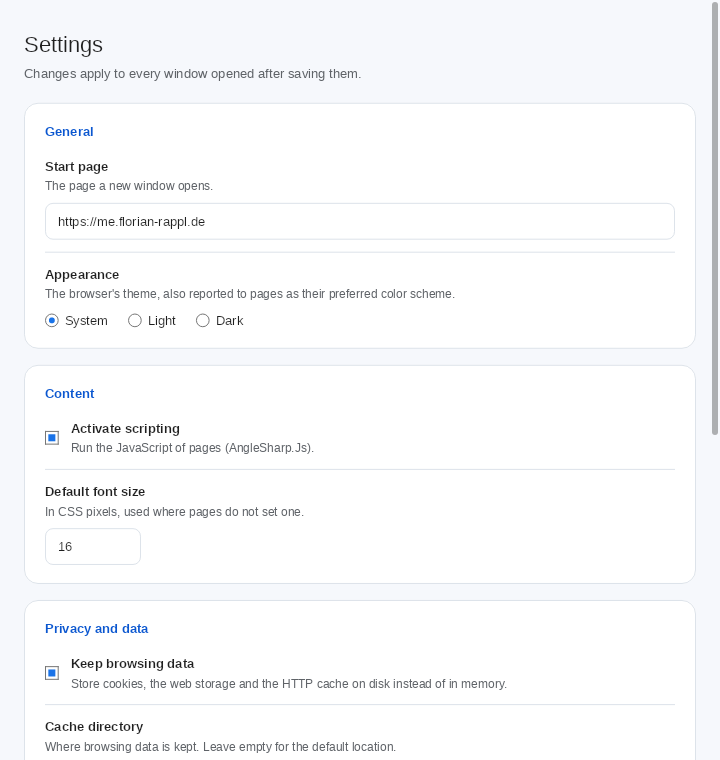
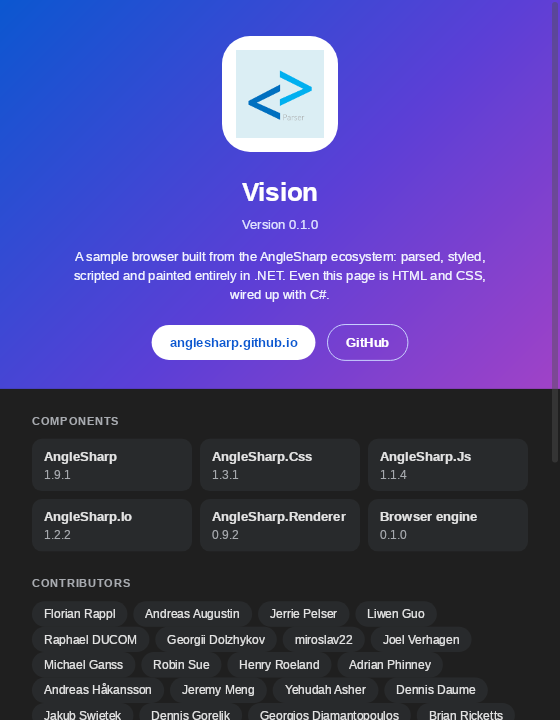
The diagnostics show what a page did; they are HTML and CSS rendered by a second BrowserView, like the rest of Vision's own UI:
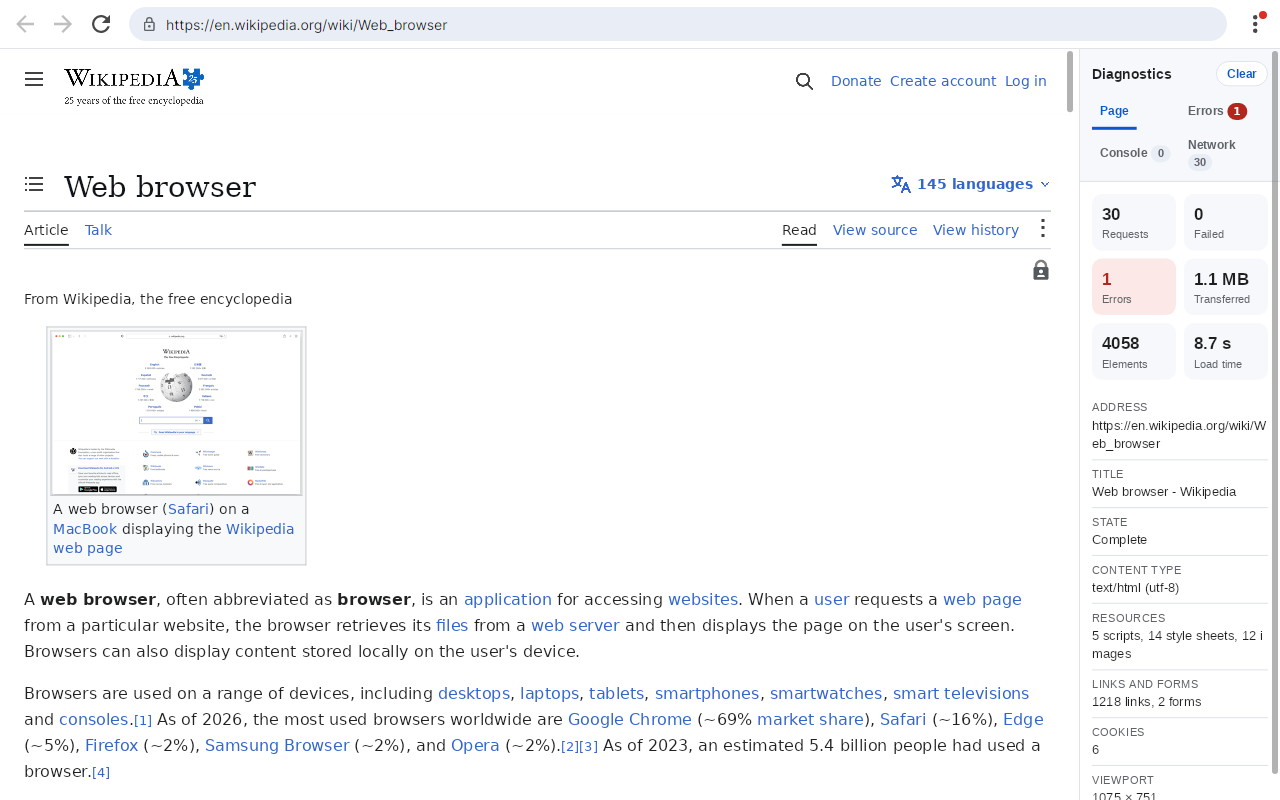
| Settings | About |
|---|---|
 |
 |
.NET Foundation
This project is supported by the .NET Foundation.
License
AngleSharp.Browser is released using the MIT license. For more information see the license file.
Adoption Assessment
Assess this package against its supported frameworks, license, maintenance signals and dependency graph before making it a project standard.
Related Guides & Workflows
Learn how to evaluate, integrate, or audit this package in your .NET project.